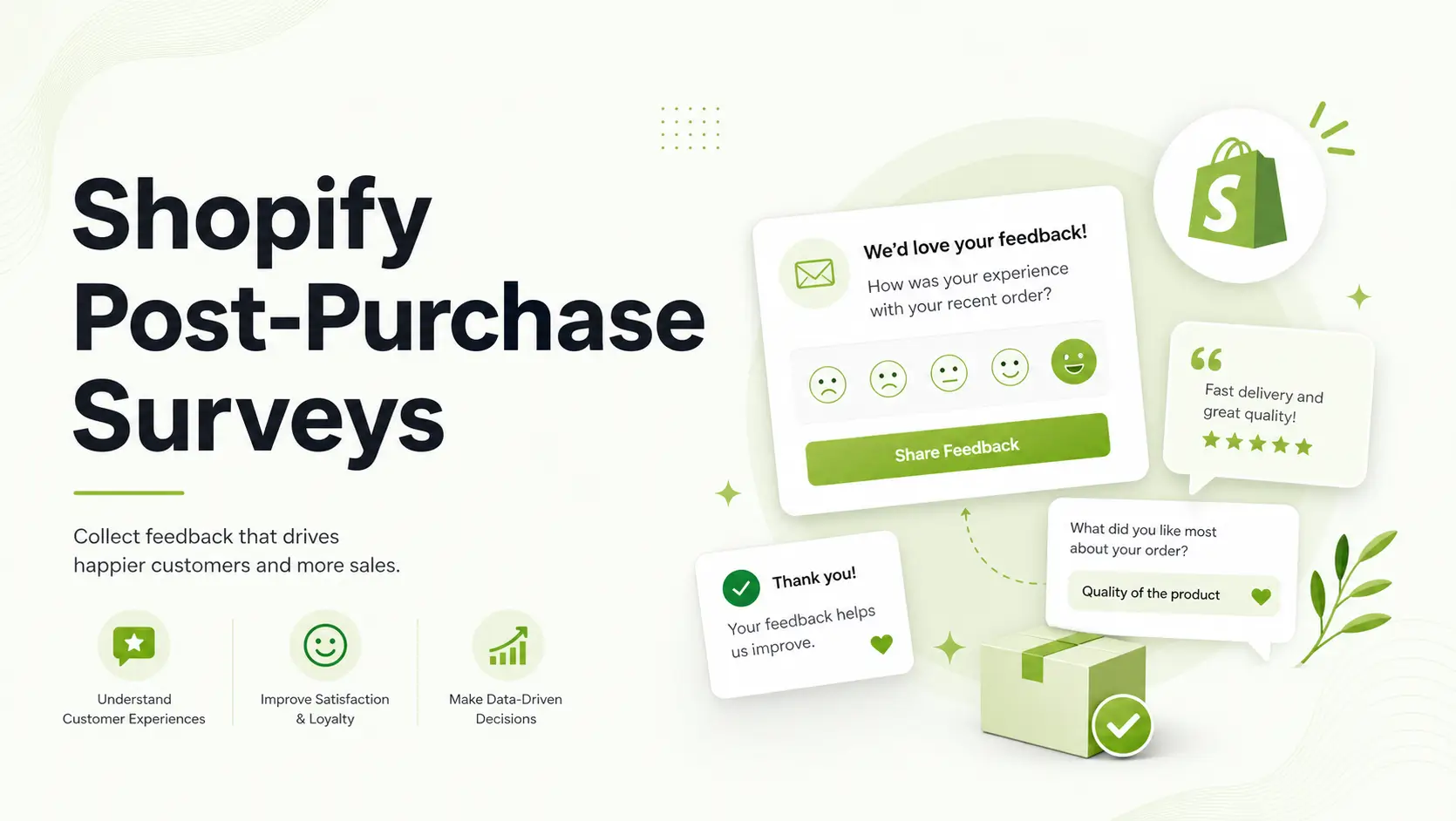
If you’re running a Shopify store, your best customer research moment is often right after checkout. Post-purchase surveys help you capture why customers bought, where they heard about you, and what nearly stopped the purchase. This guide walks you through setup, question design, analysis, and optimization in plain steps.
Post-purchase surveys for Shopify are short feedback forms shown after checkout. They help merchants collect attribution, satisfaction, and friction insights directly from buyers, then use those insights to improve marketing, checkout UX, and retention.
Summary
- Start with one high-impact survey on your Thank You page.
- Ask 3-5 questions max, with one attribution question and one open-text question.
- Track response rate, completion rate, and top answer trends weekly.
- Use responses to improve ads, landing pages, product pages, and checkout.
- Scale to Order Status page and automations once baseline data is clean.
Why Post-Purchase Surveys for Shopify Matter
Shopify analytics and ad platform reports are useful, but they do not always agree. A simple post-purchase survey gives you a direct customer answer that can fill attribution gaps and reveal intent you cannot see in clickstream data alone.
What Shopify merchants usually learn first
- Which channel customers remember most before buying
- What message triggered the purchase decision
- What nearly caused checkout abandonment
- How customers rate the purchase experience (NPS/CSAT)
How Post-Purchase Surveys for Shopify Work
In Shopify, surveys are typically shown on post-checkout surfaces like the Thank You page and Order Status page. You ask a short set of structured questions, collect answers, then review trends by survey, timeframe, or answer type.
| Shopify Surface | Best Use | Timing Strength |
|---|---|---|
| Thank You Page | Attribution + purchase motivation | Immediate intent capture |
| Order Status Page | Follow-up sentiment + friction checks | Useful on revisits |
| Email Survey (if enabled) | Longer feedback prompts | Good for deeper context |
Beginner Setup for Shopify Post-Purchase Surveys
Use this order so you avoid noisy data and low completion rates.
- Create one survey only (do not launch multiple at once).
- Choose Thank You page as your first placement.
- Add 3-5 questions with mixed formats (single choice + text).
- Keep survey copy short and specific.
- Set survey live and check visibility on mobile and desktop.
- Review the first 100+ responses before changing questions.
Starter question set for Shopify merchants
- How did you hear about us?
- What made you decide to buy today?
- What almost stopped you from purchasing?
- How would you rate your checkout experience?
- What can we improve?
How to Set Up Post-Purchase Surveys with GroPulse Post Purchase Survey

If you want an app-based setup, here is the fastest workflow using GroPulse Post Purchase Survey in Shopify.
- Install the app in Shopify: Add GroPulse Post Purchase Survey to your store and open the app dashboard.
- Complete onboarding: Follow the in-app onboarding checklist so your survey surfaces and core settings are ready.
- Create your first survey: Go to
Surveysand choose a template (for example, attribution or checkout experience) or start from scratch. - Add 3-5 starter questions: Start with one attribution question, one motivation question, one friction question, and one optional open-text question.
- Select delivery surfaces: Enable Thank You Page first, then add Order Status Page. Use popup, email, or checkout extension if your plan supports them.
- Customize survey copy and style: Set customer-facing title, button labels, and brand styling so the survey matches your storefront.
- Activate the survey: Change survey status from Draft to Active and verify that it appears on the selected surface.
- Review performance weekly: Track impressions, responses, completion rate, and recurring text-answer themes from the dashboard.
- Connect integrations when ready: Add integrations such as Klaviyo, Shopify Flow, Google Sheets sync, CSV export, or webhooks (based on your plan) to operationalize survey data.
Question Types to Use in Shopify Surveys
For beginners, prioritize answer formats that are quick to complete and easy to analyze.
- Single choice: best for channel attribution
- Multi-select: best for mixed motivations
- NPS/CSAT: best for trend monitoring
- Open text: best for message and offer insights
Recommended Blogs
- Solving Shopify Multi-Platform Attribution (Without Losing Your Mind)
- How to Use Shopify Custom Events for Better Retargeting
- How to Track Conversions in GA4 for Shopify Dropshippers
- How to Fix Inactive Google Ads Tags on Shopify
- Best Email Marketing Apps for Shopify in 2025
How to Analyze Post-Purchase Surveys for Shopify
Do not overcomplicate this early. Use a weekly review cycle.
- Track response count and completion rate
- Compare top attribution answers week over week
- Cluster open-text themes (pricing, shipping, trust, speed)
- Watch satisfaction trend changes after store updates
Simple decision framework for Shopify actions
- If attribution is unclear: simplify channel answer options.
- If completion is low: reduce question count and remove friction.
- If checkout complaints rise: audit checkout steps and payment UX.
- If motivation clusters around one offer: strengthen that offer message in ads and landing pages.
Manual vs App-Based Shopify Survey Management
| Approach | Pros | Limitations |
|---|---|---|
| Manual process | Low tool complexity | Hard to scale, slower insight loops |
| App-based workflow | Faster launch, built-in analytics, integrations | Feature depth may vary by plan |
As your order volume grows, app-based workflows become easier to maintain because they centralize survey creation, response tracking, and exports or integrations.
Common Shopify Post-Purchase Survey Mistakes
- Asking too many questions in the first survey
- Running surveys on too many surfaces at once
- Using vague attribution options like “social media” only
- Skipping open-text questions entirely
- Changing survey wording before enough responses are collected
How to Validate Your Shopify Survey Data
- Check if top survey channels roughly align with campaign periods
- Review text answers for repeated keywords and intent patterns
- Cross-check satisfaction shifts after checkout or shipping changes
- Confirm answer options still match your active channel mix
Frequently Asked Questions
What is a post-purchase survey in Shopify?
It is a short survey shown after checkout to collect buyer feedback, attribution signals, and satisfaction insights.
Where should I place my first Shopify post-purchase survey?
Start on the Thank You page first because it captures immediate purchase intent with high context.
How many questions should a beginner include?
Most beginners should start with 3 to 5 questions to protect completion rate and data quality.
Can post-purchase surveys improve attribution clarity?
Yes. Direct customer-reported attribution can complement ad platform and analytics reporting gaps.
Should I include open-text questions?
Yes. One open-text question often reveals motivations and objections that fixed options miss.
How often should I review survey responses?
A weekly review cadence is a practical starting point for trend detection and quick iteration.
Can I use survey data for retention workflows?
Yes, especially when connected to email or automation tools for follow-up segmentation.
What metrics matter most at the start?
Focus on response count, completion rate, top answer trends, and recurring open-text themes.
Conclusion
Post-purchase surveys for Shopify are one of the fastest ways to turn buyer feedback into better growth decisions. Start small, keep questions focused, review data weekly, and optimize your store and marketing based on what real customers actually tell you.