
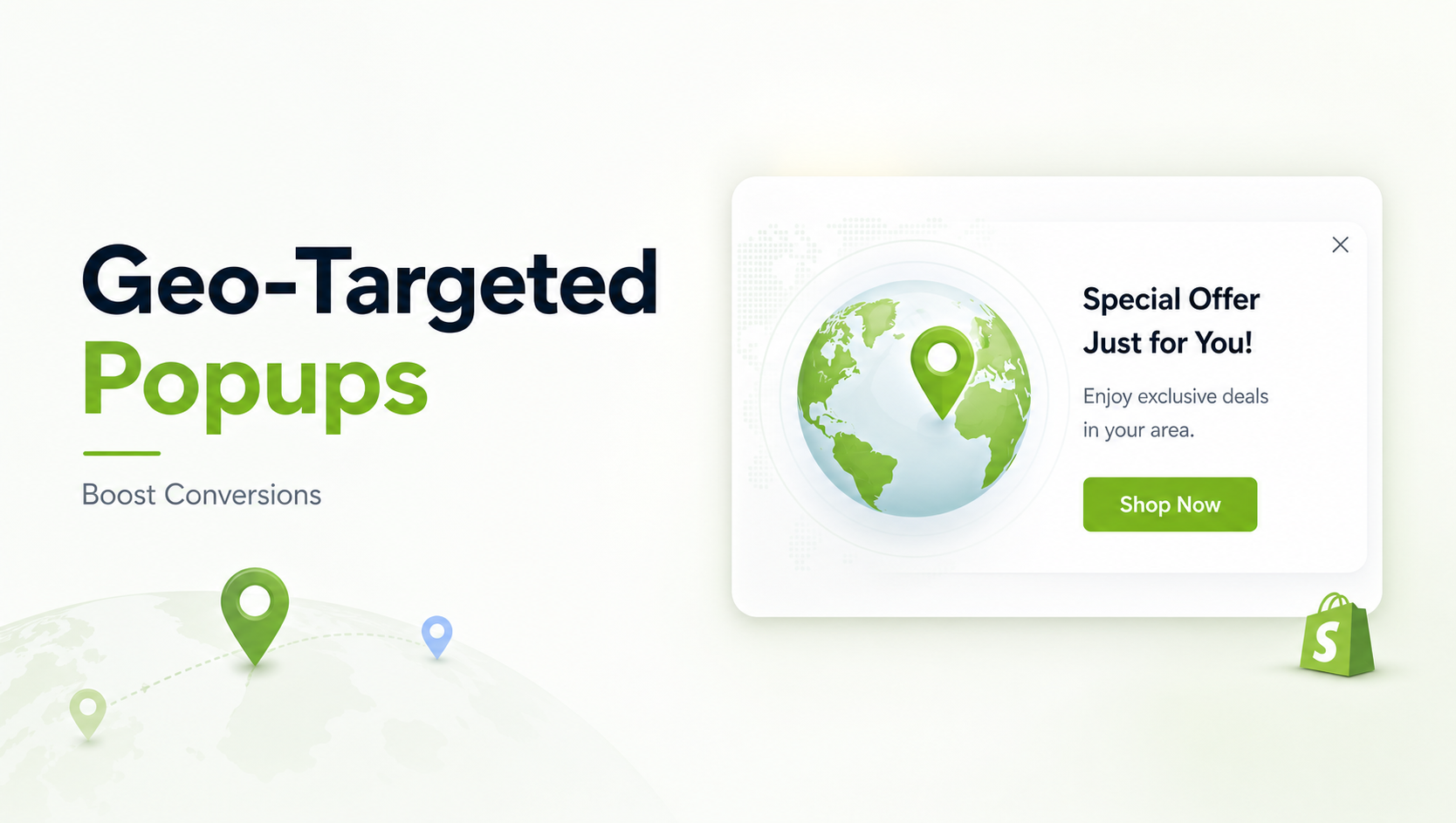
Every Shopify merchant knows the dilemma: Pop-ups are one of the most effective tools for email capture and driving sales, yet they are also the fastest way to annoy a visitor and increase your bounce rate.
The root cause of this conversion friction is almost always a lack of relevance. When a visitor lands on your store, they are immediately trying to determine if your product, pricing, and shipping logistics apply to them. A generic, one-size-fits-all pop-up immediately breaks this trust and interrupts the journey.
Imagine a customer in London seeing a pop-up offering “Free Shipping on all US orders over $50.” It’s irrelevant, frustrating, and a prime opportunity for them to hit the back button.
This is why experienced Conversion Rate Optimization (CRO) strategists treat geo-targeting not as a feature, but as the foundation of any successful global campaign.
By using location data, you move past generic interruption and deliver an offer that is hyper-relevant, removing friction before the customer even thinks to check out.
According to data compiled by McKinsey & Company, personalization can lift sales by 10% or more, emphasizing the need to tailor experiences down to the regional level.
We’ll highlight a few tools that make this much easier for Shopify merchants, specifically those that integrate geo-targeting with other critical triggers like exit intent or cart value.
Geo-targeted popups boost conversion rates by enabling strategic personalization of offers based on a visitor’s location, allowing Shopify merchants to deliver localized discounts, display correct currency/shipping information, adhere to regional compliance, and create relevant, high-urgency promotions.
- Geo-Targeting is essential for CRO: Stop annoying international visitors with irrelevant, generalized offers and messaging.
- Key Strategies: Use location data to dynamically adjust currency, shipping information, regional sales, and inventory messages.
- The Main Benefit: By reducing purchase friction and increasing relevance, geo-targeted campaigns lead to higher conversion rates and Average Order Value (AOV).
- Advanced Tools Required: This level of segmentation requires a robust Shopify app with dedicated geo-targeting, revenue tracking, and A/B testing capabilities.
1. How Geo-Targeting Solves Cross-Border Currency and Shipping Friction
The Use Case: Displaying key logistical information—price, delivery costs, and delivery times—to the right customer, at the right time.
A generic pop-up asking for an email sign-up is often less valuable than a pop-up that solves a transactional barrier. The moment a non-local customer sees pricing in your native currency, a subtle but significant barrier is erected. They have to mentally calculate the conversion and wonder about international shipping/taxes.
The Geo-Targeting Fix:
- Dynamic Messaging: Target visitors from the UK, Canada, or Australia and trigger a banner or pop-up confirming their local currency and reassuring them about simplified VAT or customs processing.
- Threshold Adjustment: If your US free shipping threshold is $50, you can use geo-targeting to show a different pop-up to Canadian visitors that says “Free Shipping on orders over $65 CAD.” This maintains your margin while making the offer relevant and actionable.
- Shipping Windows: A visitor from a country with slow customs may abandon their cart if they don’t see clear delivery expectations. Use an exit-intent pop-up, targeted specifically to that region, to state: “Shipping to your country typically takes 7-10 days. Still want to save 10% on your first order?”
Recommended Blogs for You:
👉 What Are Sales Popups? How Real-Time Social Proof Increases Shopify Conversions
👉 Behavioral Popup Triggers: Show the Right Popup at the Right Moment
👉 First-Time Visitor Welcome Popups: How to Capture Emails Without Annoying Users
👉 Back-in-Stock Popups: Recover Lost Revenue on Shopify
2. Delivering Exclusive, Time-Sensitive Promotions to Specific Geographic Markets
The Use Case: Running promotions, flash sales, or seasonal campaigns that are only relevant to a subset of your international audience.
Ecommerce is inherently seasonal. A major holiday sale for the US market (e.g., Memorial Day) is irrelevant to an Australian shopper. Likewise, launching a winter-wear collection sale to a Southern Hemisphere audience in July is a major missed opportunity.
The Geo-Targeting Fix:
- Time Zone Optimization: Use geo-targeting combined with scheduling features to launch a “48-Hour Flash Sale” for customers in the EMEA region only when it is a convenient time for them, not based on your head office’s time zone.
- Event-Specific Urgency: Target customers in Germany with a pop-up for an Oktoberfest promotion. Target visitors in China with a banner specific to Singles’ Day. This hyper-specific relevance creates a massive sense of urgency and FOMO because the offer is clearly designed for them.
- Inventory Clearing: If you have overstock in a specific fulfillment center (e.g., a Canadian warehouse), you can run a temporary, high-discount pop-up targeted only to Canadian IPs to clear that inventory quickly and cost-effectively, minimizing transfer fees.
3. Beyond Country: Targeting Local Inventory or Store Pick-Up Via Geo and Device Segments
The Use Case: Driving local traffic to physical stores or offering hyper-local services like curbside pickup or same-day delivery.
Many modern DTC brands are embracing an omnichannel strategy. If your Shopify store has one or more brick-and-mortar locations, you can leverage geo-targeting at the city or state level for immediate conversion impact.
The Geo + Device Targeting Fix:
- Hyper-Local Pickup: Target visitors detected within a 5-10 mile radius of a physical store location. The pop-up, which should ideally be triggered on mobile devices (since they are likely browsing on the go), can offer “Click & Collect: Order now and pick up in 2 hours at our [City] location.” This provides an instant value proposition that competitors cannot match.
- Local Events: Running a pop-up campaign only for visitors in Austin, Texas, who are using a mobile device, announcing a pop-up shop or community event. This uses the website as a traffic driver for physical activity.
Tool Insight:
Apps like SalesPulse – Sales Pop Up offer advanced targeting that goes beyond just country code, often integrating with device type and cart value.
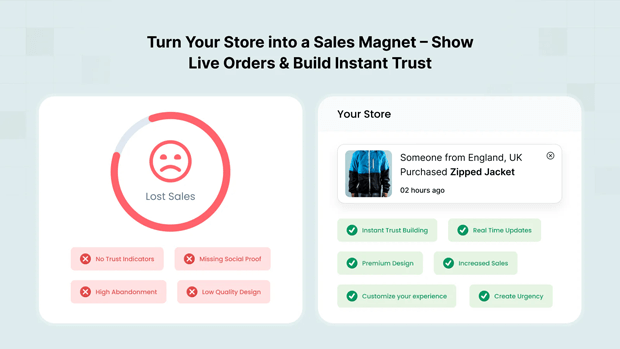
This capability is crucial for running high-converting omnichannel campaigns that blend physical and digital sales. Furthermore, its A/B Testing feature (often available on Growth/Pro plans, as seen in our internal documentation) allows merchants to test if a free local delivery message converts better than a 15% off code for the same geo-segment.
4. Capturing High-Quality, Hyper-Local Email Leads for Future Segmentation
The Use Case: Ensuring your email list is segmented by geography from Day 1 to avoid sending irrelevant email content later.
A large email list is useless if the segmentation is poor. If you send an email about a regional US sale to your entire global list, you not only annoy international users but also risk being marked as spam, potentially hurting your delivery rates everywhere.
The Geo-Targeting Fix:
- Segmented Lead Magnets: Create separate lead magnet pop-ups for different regions. For example, a pop-up targeting the EU might offer a specific “Guide to Sustainable Shipping in Europe,” while a pop-up targeting Asian markets offers a different e-book.
- Hidden Form Fields: Use geo-targeting to automatically populate a hidden form field with the visitor’s country code (e.g., US, DE, JP). When the visitor submits their email, this data is instantly passed to your integrated Email Service Provider (ESP) like Klaviyo or Mailchimp, ensuring the lead is ready for localized email campaigns from the first moment. This is a critical workflow improvement for scaling DTC brands.
5. Addressing Local Regulations and Translating Microcopy for Trust and Conversion
The Use Case: Proactively addressing legal requirements and language barriers to build trust, especially in sensitive regions.
Trust is the ultimate conversion driver. Nothing breaks trust faster than feeling like a brand is ignoring your country’s legal requirements or is simply too lazy to speak your language.
The Geo-Targeting Fix:
- Compliance Messaging: Target visitors from regions like the European Union (EU) or California with a specific pop-up or announcement bar that links directly to your privacy policy and clearly explains how their data is being handled (e.g., a simplified GDPR notice). This proactive step can dramatically improve trust on a first visit.
- Language Nudge: While many stores use global translation apps, the microcopy in pop-ups and forms often remains in English. Target non-English speaking regions (e.g., France, Germany, Japan) with a pop-up that has fully translated offer copy and call-to-action buttons. Even a simple, fully translated exit-intent message like: “Attendez! 10% de réduction sur votre première commande.” can convert better than a single-language campaign.
Common Roadblocks & How to Avoid Geo-Targeting Mistakes
Geo-targeting is powerful, but only if executed thoughtfully. Experienced ecommerce strategists often suggest avoiding these common pitfalls:
- Mistake 1: Not Using a Fallback Campaign: If a visitor’s IP address cannot be accurately detected, or if you only target four specific countries, all other visitors will see nothing. Always create a general, non-geo-targeted pop-up (e.g., a standard 10% off for email sign-up) as your default, low-priority campaign.
- Mistake 2: Over-Targeting: Do not run 50 geo-targeted campaigns for 50 different countries. Focus on your top 3–5 international markets where you already see significant revenue or traffic. Start small, prove the ROI, and then scale.
- Mistake 3: Forgetting A/B Testing: Geo-targeting is a hypothesis, not a guarantee. You might assume an offer of “10% off” works for Germany, but testing it against a “Free Shipping” offer for the same region is the only way to know for sure. Use your app’s built-in A/B testing feature to validate your geo-targeting assumptions.
What To Do After Implementing Your Geo-Targeting Strategy
The job isn’t done when the campaign goes live. The final, critical step is proving the ROI.
Make sure your pop-up tool offers revenue attribution. You need to know: How much revenue was generated from the Canadian geo-targeted campaign versus the general US campaign? This data, which is tracked automatically by tools like SalesPulse – Sales Pop Up, allows you to allocate your advertising spend and inventory focus toward the most profitable segments.
Once you have your first three geo-targeted campaigns running successfully for 30 days, your next steps should be:
- Deep-Dive Analytics: Check the conversion rate, revenue, and email sign-up rate for each geo-segment.
- Iterate on Copy: Use A/B testing to refine the microcopy in your best-performing segments.
- Integrate with Email: Create the corresponding, automated welcome/abandonment email sequence that reflects the local offer they received via the geo-targeted pop-up.
Frequently Asked Questions
Is Geo-Targeting good for SEO?
Yes, geo-targeting popups are beneficial for SEO indirectly because they significantly improve User Experience (UX) and conversion rates. Relevant, non-annoying messaging reduces bounce rates and increases time on site, which signals positive quality to search engines like Google.
Can I target by city or just country on Shopify?
Most advanced Shopify pop-up apps, like SalesPulse, offer geo-targeting that can determine a visitor’s location down to the city, state, or postal code level by checking their IP address, enabling hyper-local campaigns for pickup or local events.
Do geo-targeted pop-ups slow down my Shopify store?
No, reputable apps use optimized, non-blocking code (often deferred script loading and client-side detection via APIs like geojs.io) to ensure the geo-targeting check does not interfere with the initial loading speed or negatively impact your Core Web Vitals score.
What is the most common use case for geo-targeted popups?
The most common and highest-impact use case is displaying localized shipping, currency, and sales tax information. This removes immediate transactional friction and is proven to increase conversion rates for international customers.




