
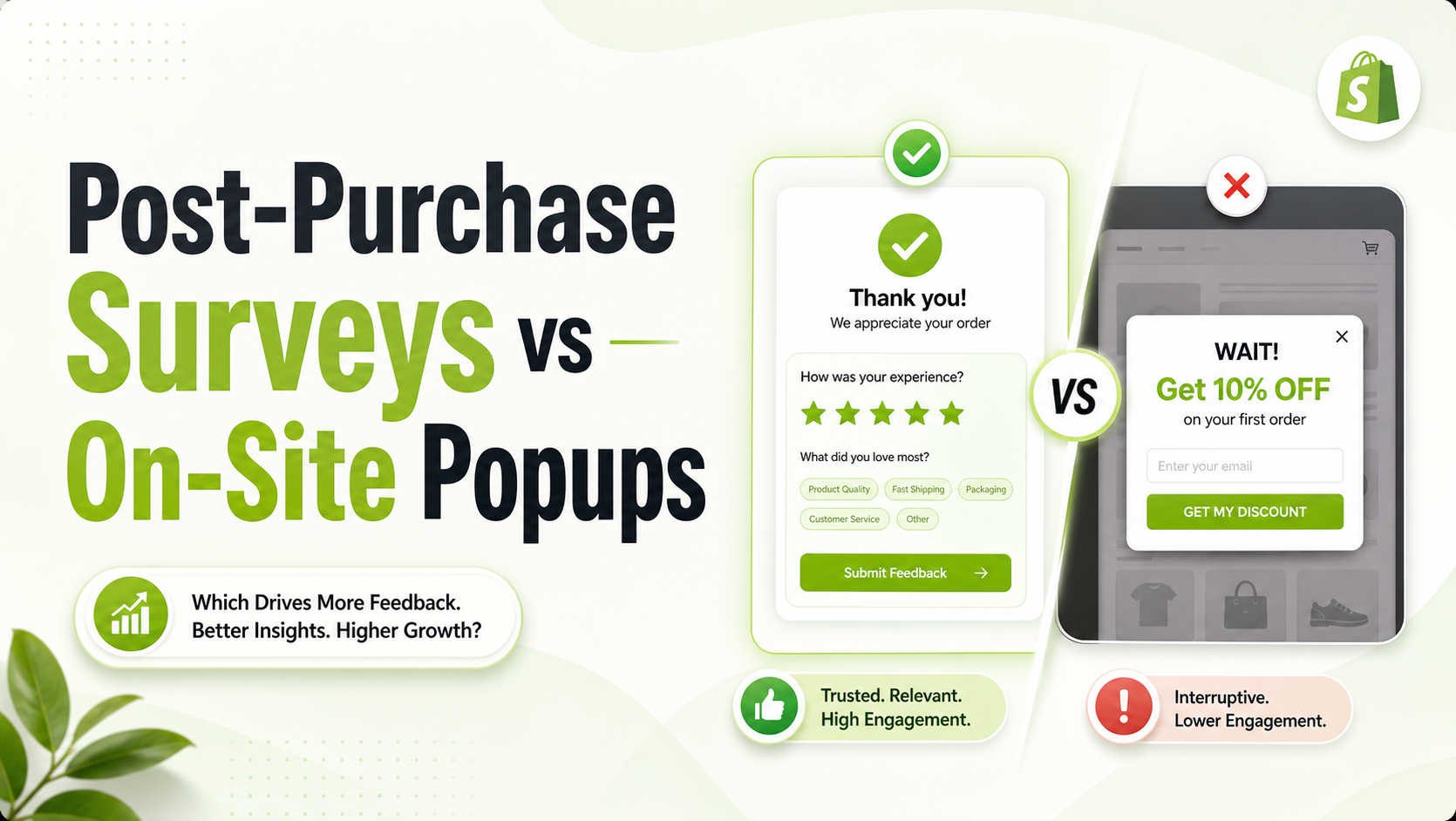
Every Shopify merchant wants to know what their customers are thinking. Why did they buy it? Where did they hear about the brand? What almost stopped them from checking out?
To get those answers, stores typically lean on two distinct toolsets: on-site storefront popups or post-purchase surveys.
The conflict is that misusing these tools can quickly ruin your store’s user experience. Intrusive popups can cause mobile users to abandon their carts, while poorly timed questions can dilute your post-purchase metrics.
To make smart choices for your brand, let’s look at how post-purchase surveys and on-site popups perform when measured by conversion friction, data quality, and long-term brand equity.
Summary
- The Core Debate: Storefront popups capture broad top-of-funnel traffic but introduce conversion friction; post-purchase surveys yield high-intent data exclusively from paying customers.
- Who This Is For: Shopify merchants, DTC growth marketers, and e-commerce founders scaling data collection.
- What You Will Learn: When to use each mechanism, how they impact your store’s conversion rate, and how to balance them to protect the checkout funnel.
- The Practical Outcome: A bulletproof feedback framework that gathers clean zero-party data without hurting your store’s speed or conversion metrics.
Quick Answer Box
Storefront popups capture high-volume, top-of-funnel intent from casual browsers but add conversion friction. Post-Purchase surveys collect clean, zero-party attribution and product feedback exclusively from verified buyers on the thank-you page, completely eliminating checkout risk.
Comparing the Core Data Collection Methods
To understand where these tools fit in your marketing stack, look at how their placement changes how customers interact with them.
| Metric | On-Site Storefront Popups | Post-Purchase Surveys |
| Funnel Placement | Top-of-Funnel (Homepage, Collection, Product Pages) | Bottom-of-Funnel (Thank You Page, Order Status Page) |
| Target Audience | Anonymous Browsers & Window Shoppers | Verified, High-Intent Paying Customers |
| Primary Use Case | Lead Capture (Email/SMS list building), Cart Rescue | Zero-Party Data, Marketing Attribution, Product R&D |
| Conversion Impact | High risk of friction if timed poorly | Zero checkout risk; occurs after payment validation |
| Response Quality | Lower quality; often driven by immediate incentive bias | Exceptionally high; reflects real purchasing behavior |
| Completion Rates | Varies widely (typically 1% to 5%) | High engagement (often 40%+ on thank-you pages) |
Understanding Storefront Popups: High Visibility with a Conversion Tax
Storefront popups capture a user’s attention while they browse your store. They can appear as exit-intent triggers, timed delays, or scroll-depth overlays.
[Storefront Browse] —> [Popup Appears] —> (Friction / Interruption) —> [Optional Purchase]
The Pros of Storefront Popups
- Massive Top-of-Funnel Reach: Because they display to all site visitors, storefront popups generate large volumes of email and SMS subscribers quickly.
- Immediate Real-Time Incentives: They let you deliver flash discounts or free shipping codes right when a visitor is considering a product, helping to lower initial bounce rates.
- Cart Abandonment Prevention: Exit-intent popups can hold onto abandoning users by offering support or down-selling a product before they close the tab.
The Cons of Storefront Popups
- Creates Funnel Friction: Interrupting a customer while they read a product description or move toward the cart can disrupt their buying flow and lead to drop-offs.
- Muddies Data Quality: If you request feedback via a storefront popup by offering a discount code, users often enter fake information or click random answers just to get the reward.
- Impacts Mobile UX and Performance: Large storefront overlays can trigger Google interstitial penalties if they block core content on mobile devices. Heavy scripts can also slow down your page-load speeds.
Recommended Blogs for You:
👉 NPS and CSAT for Shopify Stores
👉 Post-Purchase Surveys for Shopify
👉 How to Add Recipe Schema in Shopify
👉 How Shopify Brands Can Guide LLM Product Mentions
Understanding Post-Purchase Surveys: Zero-Risk Insights from Real Buyers
Post-purchase surveys sit completely outside the active checkout funnel. They display on the Shopify thank_you page, the order_status page, or via custom checkout extensions immediately after a transaction clears.
[Smooth Checkout Funnel] —> [Payment Confirmed] —> [Post-Purchase Survey on Thank-You
The Pros of Post-Purchase Surveys
- Zero Conversion Risk: Because the transaction is already complete, you can ask detailed questions without worrying about cart abandonment.
- Highly Reliable Data: You are surveying people who actually spent money on your site. Their answers give you accurate insights into real buying journeys and clear attribution data.
- Strong Response Rates: Customers feel most connected to your brand right after buying. A clean survey built into Shopify’s thank-you page often gets response rates above 40% without needing a discount code.
- Protects Core Site Performance: Because these apps focus on the post-purchase environment, they keep your collection and product pages free from heavy script bloat.
The Cons of Post-Purchase Surveys
- Smaller Sample Size: They only reach customers who complete a purchase, so you won’t get data from users who left without buying.
- Misses Non-Buyer Objections: They cannot tell you in real time why someone decided not to buy today, though you can infer friction points by asking buyers what almost stopped them.
How to Pick the Best Option for Your Shopify Store
When to Deploy Storefront Popups
- Your primary marketing goal is scaling your email marketing or SMS retention list.
- You have high traffic but a low conversion rate, and you need to use welcome discounts to encourage initial purchases.
- You want to run clear flash sales or promote seasonal, store-wide events.
When to Deploy Post-Purchase Surveys
- You want to find out where your customers are actually coming from to balance your Meta, TikTok, and Google ad spend.
- You need clean voice-of-customer data to improve your landing pages, update your product descriptions, or build out store FAQs.
- You want to check product satisfaction, look into your unboxing experience, or get clear net promoter scores (NPS) without interrupting the shopping experience.
Constructing the Perfect Post-Purchase Survey Strategy
If you want to gather clean data without annoying your customers, the post-purchase ecosystem is the safest place to start. A great approach builds surveys directly into your post-purchase workflows across surfaces like thank_you and checkout pages.
1. Ask the Essential Attribution Question
Start your survey on the thank-you page with a straightforward question: “How did you first hear about us?” Include structured choices (like Instagram, Podcast, Friend, Google Search) along with an open-ended “Other” text field. This helps you catch real customer journeys that standard UTM tracking parameters often miss.
2. Uncover Buying Hesitations
Follow up with an open-ended question like: “What almost kept you from ordering today?”
The responses will point out weak spots in your current store layout. If multiple buyers mention they were confused about shipping times or return policies, you know exactly what info needs to be added to your product descriptions and FAQ widgets.
3. Use Targeting Logic to Keep Things Relevant
Avoid sending every single survey to every single buyer. Use targeting rules to match surveys with specific order contexts:
- Show first-time buyers an attribution question.
- Ask returning customers for product design feedback or loyalty insights.
- Target customers purchasing specific collections to check if your product descriptions set the right expectations.
If you want to gather clean customer feedback without adding friction to your storefront, using a dedicated survey app can streamline the process.
The GroPulse Post-Purchase Survey app lets you build and run native surveys across your Shopify thank-you pages, order status pages, and checkout surfaces.

It features built-in targeting rules and duplicate response protection, making it easy to collect clean zero-party data directly within your Shopify admin dashboard. You can find and install it on the Shopify App Store to start optimizing your store’s content using real customer feedback.
Frequently Asked Questions
Do post-purchase surveys slow down my Shopify checkout?
No. High-quality post-purchase surveys load asynchronously on the thank-you page or through secure checkout extensions after the transaction is complete. This ensures they never impact your core checkout speed or add friction to the buying process.
Can I run storefront popups and post-purchase surveys at the same time?
Yes, because they handle entirely different tasks. You can use storefront popups at the top of your funnel to build your email list, and use post-purchase surveys on your thank-you page to collect attribution data and product feedback from buyers.
What is a good response rate for a Shopify thank-you page survey?
While storefront popups usually see opt-in rates between 1% and 5%, native post-purchase surveys on thank-you pages often achieve response rates between 30% and 50% because buyers are highly engaged right after completing an order.




