
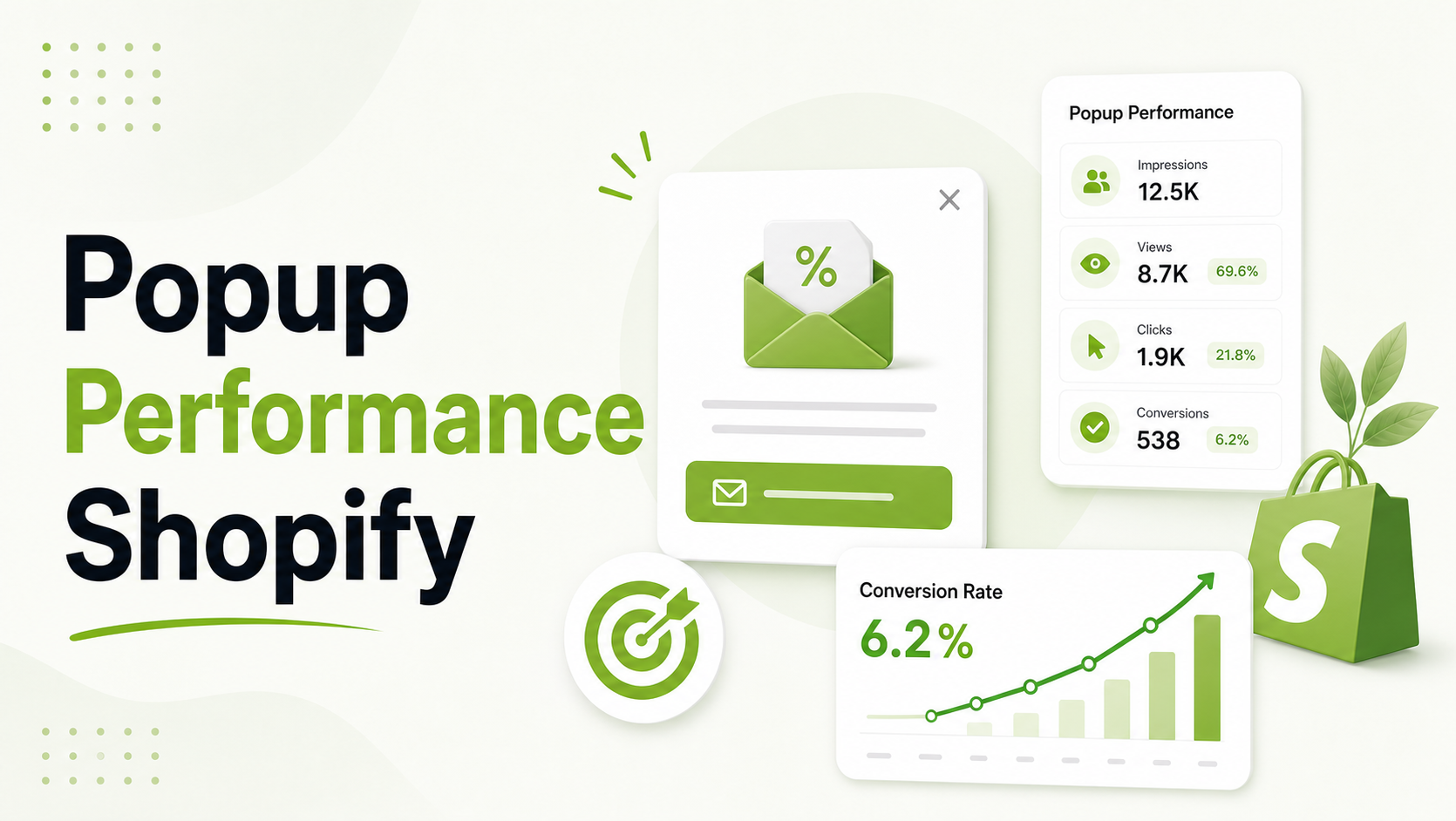
To monitor Shopify popup performance in real-time, Shopify merchants should track five core metrics: Impressions, Views, Submissions, Conversions, and Attributed Revenue.
Using a real-time dashboard allows you to identify high-performing triggers—like exit-intent—which can recover approximately 15% of abandoning traffic.
Key Takeaways
- The Goal: Move beyond “vanity metrics” to understand how popups drive actual revenue and list growth.
- Who It Helps: Shopify merchants looking to optimize their conversion funnel and stop “guessing” which offers work.
- What You’ll Learn: How to track key performance indicators (KPIs), interpret real-time data, and use A/B testing to scale.
- Key Concept: Real-time monitoring allows for immediate pivots during high-traffic periods, recovering up to 15% of abandoning visitors.
The “Data Gap” in Shopify Popup Strategy
For many Shopify merchants, popups are a “set it and forget it” tool. However, in the fast-paced world of ecommerce, where customer acquisition costs (CAC) are rising, you cannot afford to wait 30 days to see if a campaign is working.
Real-time monitoring turns your storefront into a live laboratory. When you can see immediate shifts in conversion rates, you can pivot during high-traffic events like BFCM or flash sales.
According to the Baymard Institute, the average cart abandonment rate hovers around 70%; real-time data allows you to see exactly when and where your exit-intent popups are successfully intercepting these lost customers.
To bridge this gap, high-growth brands use SalesPulse app to get instant visibility into campaign health without digging through complex Google Analytics reports.
Recommended Blogs for You:
👉 Behavioral Popup Triggers: Show the Right Popup at the Right Moment
👉 Shopify Announcement Bar Best Practices: Complete Guide to Higher Conversions
👉 Abandoned Browse Recovery: How to Catch Shoppers Before They Leave
👉 What Are Sales Popups? How Real-Time Social Proof Increases Shopify Conversions
The Hierarchy of Analytics: What to Monitor in Real-Time
Not all data is created equal. To truly optimize your store, you need to look past “impressions” and focus on actionable insights.
- Impressions vs. Views: An impression is a technical load, but a “View” confirms the popup was actually displayed. If your views are significantly lower than impressions, you may have a script conflict or a slow-loading theme.
- Submissions: This is your lead generation engine. Tracking submissions in real-time allows you to see how quickly your email list is growing, especially when integrated with platforms like Klaviyo or Mailchimp.
- Conversion Rate: The percentage of visitors who completed the desired action (e.g., signing up or making a purchase) after seeing the popup.
Apps like SalesPulse streamline this by offering a dedicated analytics dashboard that highlights these KPIs the moment you log in, ensuring you never miss a dip in performance.

Revenue Attribution: Connecting Clicks to Sales
The ultimate goal of any Shopify app is to prove its ROI. Advanced analytics dashboards now offer Revenue Attribution, typically within a 30-day window.
This feature tracks an order back to the specific popup the customer interacted with. By monitoring order-level tracking, you can see which campaigns have the highest Average Order Value (AOV).
For example, a “Welcome Discount” might drive more volume, but a “Product Recommendation” slide-in might drive a higher AOV. SalesPulse includes this 30-day revenue attribution window as a core feature, allowing merchants to prove exactly how much money their popups are making.
Breaking Down Performance by Device and Geo
Data becomes powerful when it’s segmented. Your real-time dashboard should allow you to filter performance by:
- Device Type: Does your “Fullscreen” popup convert at 5% on desktop but only 1% on mobile? Mobile-specific design is critical for maintaining UX.
- Geographic Location: Pro-tier analytics often include country-level breakdowns. This is essential for brands running international stores to ensure local offers resonate.
- Page Type: Monitor which pages—home, product, or cart—are your “power players” for conversions.
Optimizing Performance with A/B Testing Data
If you aren’t testing, you’re leaving money on the table. A/B testing allows you to run two variants of a popup simultaneously (e.g., Variant A with a 10% discount vs. Variant B with “Free Shipping”).
A real-time dashboard provides per-variant analytics, showing weighted traffic splits and immediate winners. This prevents you from wasting traffic on an underperforming design. Using the A/B testing suite in SalesPulse, merchants can compare different headlines or triggers (like exit-intent vs. scroll depth) to see which one moves the needle.
Common Mistakes in Shopify Analytics Tracking
- Ignoring the Attribution Window: Merchants often forget that a popup’s influence can last long after the initial click. Use tools that offer at least a 30-day window to capture the full customer journey.
- Over-relying on Impressions: High impressions with low submissions usually indicate a “message-market mismatch” or an annoying trigger timing.
- Failing to Export Data: While real-time dashboards are great for quick checks, periodically exporting your submission list to CSV for deeper audit is a best practice for growing brands.
Frequently Asked Questions
How do I track popup revenue on Shopify?
Use a popup app with built-in revenue attribution, like SalesPulse. It tracks orders placed within 30 days of a popup interaction, allowing you to see the exact dollar amount each campaign generates.
What is a good conversion rate for Shopify popups?
While industry averages vary, targeted popups generally convert 3x better than generic ones. Exit-intent popups are particularly effective, often recovering up to 15% of abandoning visitors.
Can I see which popup variant is winning in real-time?
Yes. Modern Shopify apps offer A/B testing dashboards that show impressions, views, and conversions for each variant side-by-side, helping you pick a winner based on data rather than gut feeling.




