
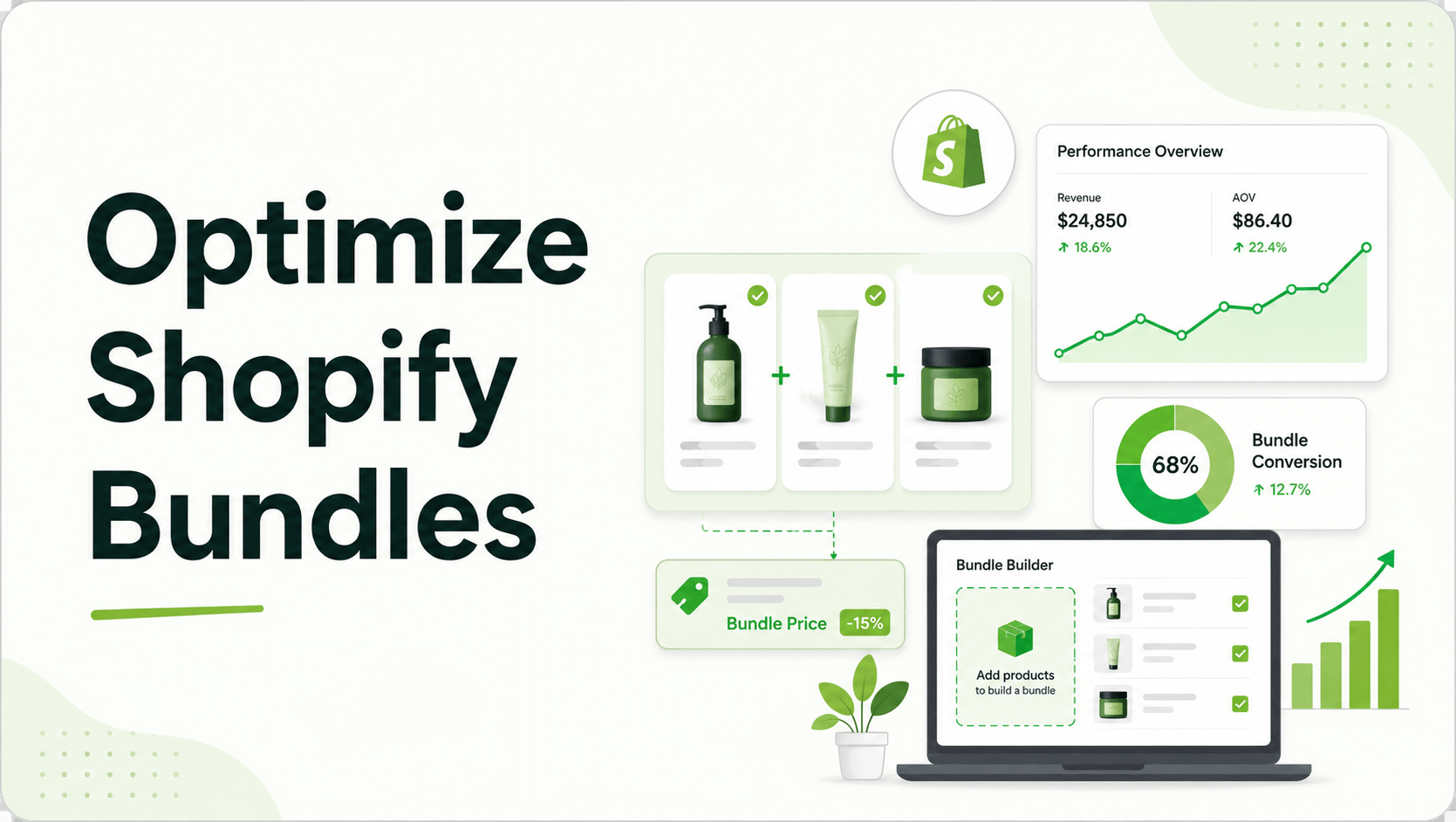
If you are operating a Shopify store in 2026, you already know that customer acquisition costs (CAC) aren’t getting any cheaper. To maintain healthy margins, you have to maximize the value of every single session. Bundling is one of the highest-ROI conversion levers in ecommerce, yet an overwhelming number of merchants still treat it as a set-it-and-forget-it tactic.
They throw a “Buy 2, Get 10% Off” widget on a product page, cross their fingers, and hope the aggregate store AOV goes up. But without granular, real-time analytics, you are flying blind.
To turn bundles from a guessing game into a predictable revenue engine, you need to analyze how users interact with your offers before they ever reach the cart. We’ll explore exactly how to do that, focusing on five data-driven ways to optimize your product bundles for maximum conversion.
Summary
- Who this is for: Shopify DTC founders, category store owners, and ecommerce managers looking to increase Average Order Value (AOV) without relying on blind guesswork.
- The core problem: Many merchants launch bundles but lack the per-bundle analytics needed to understand views, add-to-cart rates, and actual revenue impact.
- The solution: Shift to data-driven merchandising by tracking bundle-specific KPIs, optimizing tiered pricing thresholds, and using Shopify-native discount functions to prevent checkout friction.
- The takeaway: You will learn five practical workflows to analyze your bundle performance, plus how modern tools like GP Bundle Builder provide the exact metrics needed to scale these offers.
How Do You Optimize Shopify Bundles Using Analytics?
To optimize Shopify bundles, track per-bundle views, add-to-cart rates, and conversion metrics in real time. Use this data to identify UX friction, remove underperforming product combinations, adjust tiered discount thresholds, and ensure your bundling app uses native Shopify Functions so checkout analytics remain accurate.
What Problem Are Shopify Merchants Actually Facing With Bundles?
The primary issue isn’t a lack of bundling apps; it’s a lack of visibility and reliable infrastructure. Most Shopify merchants either don’t bundle at all, or they bolt together manual discount codes, duplicate SKUs, and third-party apps that break in checkout.
When a merchant relies on duplicated SKUs (e.g., creating a new product called “Shampoo + Conditioner Bundle”), inventory management becomes a nightmare. Conversely, when they use older bundling apps, they often suffer from custom cart implementations. These custom checkouts break native Shopify features like gift cards, Shop Pay installments, and fraud rules.
Crucially, merchants can’t see what’s actually working because there is no per-bundle analytics. Without knowing how many people viewed a specific bundle versus how many purchased it, optimization is impossible.
Why Poor Bundle Analytics Happen (Root Causes Explained Clearly)
Historically, Shopify’s architecture made it difficult for third-party apps to elegantly apply complex discounts without hijacking the checkout process. Because older apps relied on draft orders or off-platform checkouts to stitch bundles together, the analytics tracking broke. Google Analytics 4 (GA4) or Shopify Analytics would record the final sale, but the upstream data,like which specific “Shop the Look” widget prompted the sale,was lost.
Today, Shopify has stabilized Discount Functions and Theme App Extensions. This means modern apps can deploy natively in the theme and apply discounts directly in the native checkout without liquid hacks. However, many merchants are still using legacy tools that obscure their data.
How Blind Bundling Hurts Shopify Conversion Rates and Revenue
When you can’t measure bundle performance, you inevitably leave money on the table. Here is how this lack of data hurts your store:
- Stagnant AOV: If you don’t know that your “Mix & Match” offer is converting at 2% while your “Frequently Bought Together” snap widget converts at 15%, you can’t reallocate prime real estate to the winning offer.
- Checkout Abandonment: Using legacy apps with custom checkouts creates friction. According to general CRO consensus, unexpected checkout disruptions (like a lost Shop Pay button) are a leading cause of cart abandonment.
- Margin Erosion: Offering a flat 20% off every bundle might drive volume, but without tiered discount analytics, you might be over-discounting. Perhaps a 15% discount would have yielded the exact same conversion rate.
Recommended Blogs for You:
👉 How to Add Paid Gift Wrap to Shopify and Increase Q4 AOV
👉 How to Build a Custom Mix and Match Gift Box on Shopify
👉 Shopify Bundles vs GP Bundle Builder: The 2026 Comparison
👉 How to Manage Corporate Gifting on Shopify
Step‑by‑Step Solution: 5 Ways To Optimize Shopify Bundles Using Real-Time Data
To fix these issues, you need a proactive, analytics-driven approach to merchandising. Here are five specific ways to optimize your bundles using real-time store data.
1. Track Bundle Views vs. Add-to-Carts to Identify UX Friction
Just like a product page, a bundle widget has a funnel. If a bundle receives 2,000 views but only 10 add-to-carts, the offer isn’t the problem,the UX is.
Start tracking the drop-off rate between seeing the bundle and engaging with it. If you are using a step-by-step guided builder (like a Story/Wizard Bundle where users pick a base, add-ons, and then confirm), monitor where users abandon the flow. If they drop off at the add-on stage, you might have too many choices causing analysis paralysis.
2. Measure Direct Revenue per Bundle Type to Cull Underperformers
Not all bundle templates work for all catalogs. A fashion store might thrive on visual “Shop the Look” bundles, while a supplement brand might see higher AOV jumps using a “Build Your Stack” flow.
You should utilize an analytics dashboard to look at the top bundles leaderboard. Filter by daily metrics including purchases and revenue. If your pre-set “Gift Builder” kits are generating less revenue than your standard “Snap” widgets, pivot your strategy and give the Snap widgets more visibility on collection pages.
3. Test Tiered Pricing Thresholds Against AOV Baselines
Tiered discount bundles (e.g., “Buy 2 save 10%, buy 3 save 20%”) are incredibly effective. But setting those thresholds requires data.
Look at your current Shopify AOV. If your average customer spends $45, setting a “Buy 3” threshold at $120 might be too far of a leap. Use real-time analytics to test unlocking perks at lower, more achievable increments. Visually show a progression bar (e.g., “Add 1 more to save 15%”) and measure if that specific microcopy lifts the add-to-cart rate.
4. Analyze “Build Your Own Box” (BYOB) Attach Rates
For subscription brands or catalog stores with natural pairings, letting customers assemble their own box from a catalog is a powerful strategy.
To optimize this, don’t just look at the final box sale. Analyze which specific SKUs are added to boxes most frequently. If a specific serum is added to 80% of skincare routines, consider raising its standalone price slightly while heavily promoting it inside the BYOB flow to drive more bundle adoption.
5. Monitor Conversion Lift by Placement (Product Page vs. Cart)
Where you place your bundle matters just as much as what is in it. Deploying bundles via theme app extensions allows you to test placements anywhere in the theme editor,product pages, carts, collections, or dedicated pages.
Run a two-week test: place a compact, fast add-to-cart widget (Snap Bundle) on your highest-trafficked product pages. Then, measure the conversion rate against a dedicated bundle builder page. Use the placement that yields the highest revenue per visitor.
Tools & Frameworks That Make Shopify Bundle Optimization Easier
To execute these five strategies without hiring a developer, many Shopify merchants are moving toward dedicated, function-based apps.
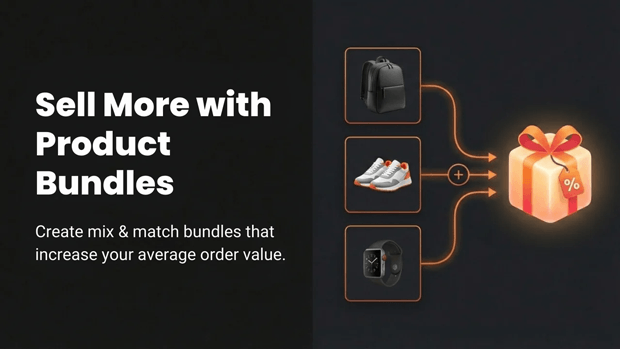
One solution designed specifically for this modern stack is GP Bundle Builder. It is a no-code bundle builder for Shopify that lets merchants launch mix-and-match, build-your-own, snap, and tiered bundles in minutes.
Key features that support data-driven optimization:
Native Checkout Compatibility: Discounts apply via Shopify Functions, meaning no custom cart and no broken native checkout features.
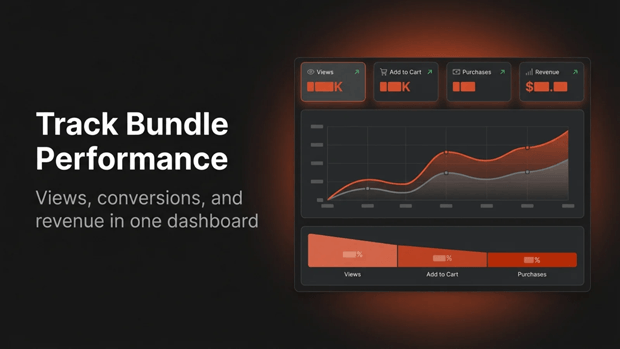
Built-in Analytics Dashboard: It provides per-bundle analytics for views, conversions, AOV impact, and revenue, rolling up daily.
Dedicated BYOB Experience: The app offers a full-page Build-Your-Own Box experience with category filters, a product grid, and a tiered discount engine powered by a dedicated Shopify Function.
Template Variety: Merchants have access to 9 bundle types out of the box, allowing for rapid A/B testing of different layouts.
Common Shopify Mistakes That Make Bundling Analytics Worse
Even with the right intentions, merchants often sabotage their own data:
- Using Apps with Custom Carts: As mentioned, custom checkouts break Shop Pay and fraud checks, but they also severely fragment your GA4 and Shopify analytics tracking.
- Ignoring Inventory States: If your bundle doesn’t sync with Shopify’s inventory natively, you might be analyzing conversion drops that are actually just out-of-stock errors. Ensure your bundle logic is inventory-aware and hides out-of-stock variants.
- Overcomplicating the First Step: Forcing users to choose from 50 products in a single dropdown immediately kills conversion. Use category filters to simplify the choice.
Learn More: Common Shopify Mistakes and How to Avoid Them for a Successful Store
Smarter Alternatives When Standard Bundles Don’t Convert
If simple fixed-price bundles aren’t moving the needle, your audience might require more control.
Instead of dictating the exact items, pivot to a Mix & Match Grid (“choose any X items” layout). Giving the user autonomy over their product selection often increases the attach rate, especially in categories like food, beverage, and cosmetics where personal preference is high.
What To Do Next in Your Shopify Optimization Journey
- Audit your current checkout: Verify if your existing bundling app is using a draft order workaround or custom cart. If it is, plan a migration.
- Establish your baseline: Document your current AOV and overall store conversion rate.
- Deploy a test bundle: Pick one high-traffic product page and deploy a compact “Snap” bundle widget to measure initial engagement.
- Review the data in 14 days: Check the specific views, add-to-carts, and revenue generated by that exact bundle block.
Frequently Asked Questions
Do bundle apps require custom code on Shopify?
No. Modern bundle apps use Theme App Extensions to deploy anywhere in the theme editor with zero code edits.
Will Shopify bundle apps break Shop Pay or native checkout?
Apps built on legacy systems might, but modern apps utilizing Shopify Discount Functions apply discounts natively, ensuring full compatibility with Shop Pay, gift cards, and fraud checks.
How do I track if a specific product bundle is actually making money?
You need an app with per-bundle analytics that rolls up daily metrics,including views, add-to-carts, purchases, and revenue,so you can see the direct AOV impact of each offer.
What is the best type of bundle for a skincare brand?
Skincare brands often see the best results with a Story/Wizard bundle that guides the user step-by-step (e.g., pick base, add-ons, confirm), or a Mix & Match layout offering a fixed price for any 3 items.
Can customers build their own subscription box on Shopify?
Yes. You can use a full-page Build-Your-Own Box (BYOB) template featuring category filters, drag-to-slot functionality, and tiered “unlock perks” discounts.
Final Recap: How Real-Time Analytics Change Your Store’s Metrics
Guesswork is the enemy of a high-converting Shopify store. By tracking how your customers interact with specific bundle templates, measuring direct revenue per offer, and fine-tuning your tiered discounts, you regain control over your Average Order Value.
Stop settling for basic discount codes. Leverage Shopify’s native functions, deploy tracking-enabled bundles through your theme editor, and let real-time data dictate your merchandising strategy.




