
If there’s one universally accepted truth in Shopify ecommerce today, it’s that acquiring a new customer is wildly expensive.
With advertising costs continuing to squeeze margins, your most reliable path to profitability isn’t necessarily driving more traffic,it’s getting the traffic you already have to spend more. Bundling is one of the highest-ROI conversion levers in ecommerce.
However, deciding how to price those bundles often leaves merchants paralyzed. Should you offer a flat “Buy this entire skincare routine for $99” (fixed pricing), or should you nudge them with “Buy 2 items save 10%, Buy 3 save 20%” (tiered pricing)?
The right answer depends entirely on your product catalog, your customer’s buying behavior, and your store’s margin architecture.
In this guide, we’ll break down the exact scenarios where each pricing strategy shines, how they impact your Shopify conversion rates, and how to deploy them effectively without breaking your native checkout flow.
Summary
- The main outcome: Learn how to choose between tiered and fixed pricing for your Shopify bundles to maximize Average Order Value (AOV) without sacrificing your profit margins.
- Who this is for: Shopify DTC founders, ecommerce managers, and CRO strategists looking to optimize their merchandising and upselling strategies.
- What you’ll walk away with: A clear decision-making framework for when to use fixed-price bundles versus tiered discounts, plus a look at how modern Shopify Discount Functions make implementation seamless.
- Key nuance: Custom checkouts used by legacy bundling apps are hurting conversions; shifting to native Shopify functions is now mandatory for a frictionless checkout experience.
What is the difference between tiered and fixed pricing for Shopify bundles?
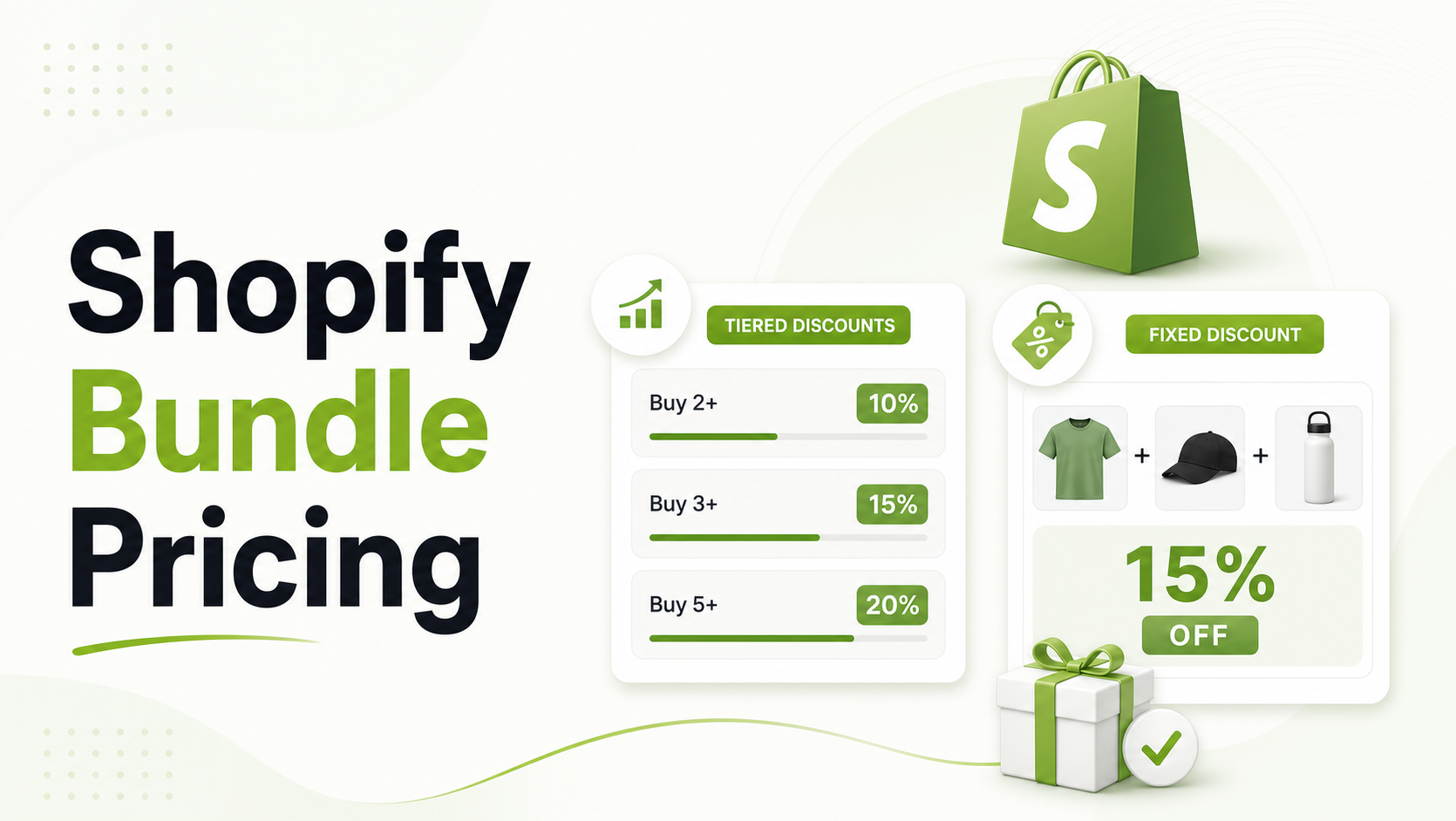
Fixed pricing offers a specific set of products for one flat price (e.g., “Any 3 for $75”), driving predictability and fast decisions. Tiered pricing offers escalating percentage discounts based on quantity (e.g., “Buy 3 save 20%”), maximizing AOV by gamifying the shopping experience.
Why Choosing the Right Shopify Bundle Strategy Matters Now
Over the last few years, the Shopify ecosystem has fundamentally shifted. Previously, creating a mix-and-match or tiered bundle meant either hacking your theme’s liquid code, creating messy duplicate SKUs, or relying on third-party apps that forced customers into clunky, non-native custom checkouts.
These workarounds often broke essential Shopify features like Shop Pay, gift cards, and fraud rules.
Today, consumers expect a seamless, one-click checkout experience. According to the Baymard Institute, the average documented online shopping cart abandonment rate is around 70%, with a complex or confusing checkout process being a leading culprit.
If your bundling strategy requires a customer to navigate a confusing pricing structure or drops them into an unfamiliar checkout screen, your conversion rate will plummet.
We’ll explore how to structure your bundle pricing to reduce friction, and we’ll also highlight a few tools that make this much easier for Shopify merchants by leveraging Shopify’s native infrastructure.
What Pricing Problem Are Shopify Merchants Actually Facing Here?
Merchants typically struggle with two competing desires: they want to significantly increase their Average Order Value (AOV), but they are terrified of giving away too much margin or confusing the customer.
When a merchant tries to implement a bundle, they often guess at the discount structure. They might throw a blanket 15% discount on everything, only to realize that customers are buying high-margin and low-margin items together in a way that destroys profitability. Alternatively, they create rigid, fixed-price kits that customers ignore because they can’t swap out the one item they don’t want. The core problem is a lack of alignment between the pricing strategy and the customer’s natural purchasing intent.
Recommended Blogs for You:
👉 5 Data Driven Ways to Optimize Shopify Bundles
👉 Meta Retargeting on Shopify: Pixels, CAPI & Catalog Done Right
👉 How to Recover Lost Sales With Wishlist Back-in-Stock Alerts
👉 Google Ads Retargeting for Shopify: From Setup to ROAS Wins
Why Do Bundle Pricing Strategies Fail on Shopify?
Bundle strategies usually fail for three distinct reasons:
- Cognitive Overload: If a customer has to do mental math to figure out if your tiered discount is actually a good deal, they will simply abandon the cart.
- Broken Checkout Workarounds: Creating a bundle historically required third-party apps that use custom checkouts, which break native Shopify features. When a customer tries to use Shop Pay Installments or a gift card and fails, the sale is lost.
- Zero Visibility: Merchants often can’t see what’s actually working because they lack per-bundle analytics. They know their overall AOV, but they don’t know if the “Summer Starter Kit” is driving revenue or just collecting digital dust.
How Confusing Bundle Discounts Hurt Shopify Conversion Rates
Every extra second a customer spends deciding what to buy is a second they might leave your site.
If you offer a tiered discount (“Spend $50 get 5% off, spend $100 get 10% off, spend $150 get 15% off”), but your average product price is $22, the customer has to add five items just to reach the second tier. This friction causes cart abandonment. On the flip side, if you offer a fixed bundle, but your store relies heavily on customers replenishing their favorite single items (like coffee or supplements), a fixed, pre-set bundle feels restrictive.
Industry benchmarks show that an optimized bundle strategy can lift AOV by 10% to 30%. Missing the mark on your pricing strategy means leaving that revenue on the table.
Step-by-Step Solution: Choosing Between Tiered and Fixed Pricing
To fix this, you need to match your catalog type to the right pricing model. Here is the framework for making that decision.
When to Use Fixed Pricing for Shopify Bundles
Fixed pricing means offering a specific combination of products,or a “pick any X” scenario,for a single, flat price.
- Best for: The Category Store with natural pairs (e.g., skincare routines), or Holiday/Gift Sellers.
- The Psychological Play: Predictability. The customer knows exactly what they are spending.
- Example: “Mix & Match: Any 3 serums for $75”.
- Why it converts: It removes percentage math entirely. Customers perceive a $75 fixed price as a safe, definitive purchase, especially when compared to a live savings badge showing the original $95 value.
When to Use Tiered Pricing for Shopify Bundles
Tiered pricing scales the reward based on the customer’s volume. It visually shows the next tier (e.g., “Add 1 more to save 15%”).
- Best for: The BYO/Subscription Brand where customers assemble a box from a large catalog, or AOV-Obsessed DTC Founders selling highly consumable goods (food & beverage, supplements).
- The Psychological Play: Gamification and FOMO (Fear Of Missing Out). The customer wants to “unlock” the next perk.
- Example: “Pick any 6 bags of coffee, unlock 15% off at 6, 20% at 8”.
- Why it converts: It directly incentivizes the customer to push their cart size just a little bit higher to achieve a better deal.
Tools and Frameworks That Make Shopify Bundling Easier
Implementing these strategies effectively requires the right infrastructure. Shopify has recently stabilized Discount Functions and Theme App Extensions. This is a massive shift: it means a modern bundle app can now deploy anywhere in the theme and apply discounts directly in the native checkout.
Many merchants are turning to tools like GP Bundle Builder to execute this. GP Bundle Builder is a no-code bundle builder for Shopify that lets merchants launch mix-and-match, build-your-own, snap, and tiered bundles in minutes.
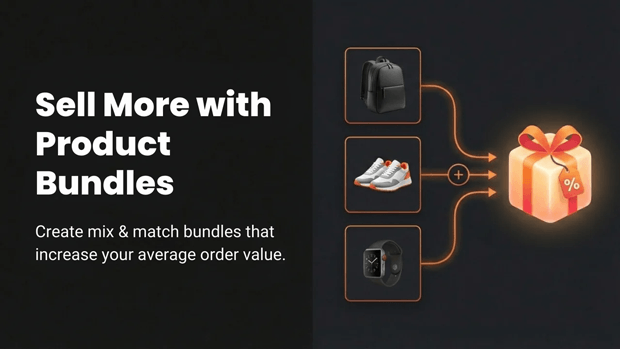
When setting up your bundles, a strong toolset will allow you to:
- Pick a template (like a Mix & Match Grid or a Build-Your-Own Box).
- Drop in your products and set inventory rules to hide out-of-stock items.
- Set a discount model, whether that is a percentage discount, a fixed bundle price, or a tiered discount.
Where Visual UI and Walkthroughs Clarify the Bundle Experience
Your pricing strategy is only as good as its presentation on the storefront.
If you are using a tiered strategy, a dedicated Build-Your-Own Box (BYOB) full-page experience works best. A highly converting layout includes a left sidebar category filter, a center product grid, and a right slot panel showing numbered slots for progress. Crucially, an “Unlock Perks” progression bar visually shows the customer exactly how close they are to the next tier.
If you are using fixed pricing for a quick upsell, a “Snap Bundle” is ideal. This is a compact, fast add-to-cart widget designed for product pages, allowing a customer to grab a phone case, charger, and screen protector for one fixed price instantly.
Common Shopify Mistakes That Break Native Checkout Workflows
The single biggest mistake Shopify merchants make today is using legacy bundling apps that hijack the checkout.
As mentioned, apps that bolt together manual discount codes, duplicate SKUs, or route customers to an off-site custom checkout will break your conversion flow. They disable native checkout features like Shop Pay, which currently accounts for a massive percentage of accelerated Shopify conversions.
Always ensure your bundling tool utilizes native Shopify Discount Functions compiled to WASM, which run at Shopify’s edge with zero performance impact on checkout.
What To Do Next in Your Shopify Optimization Journey
Once you have chosen your pricing strategy and launched your bundle, the work isn’t over. You must measure the impact.
Do not settle for generic store-wide revenue charts. You need per-bundle analytics. Look for tools that provide a dashboard showing views, conversions, AOV impact, and bundle revenue in real time. If your “Bestseller Combo” has high views but a low add-to-cart rate, your fixed price might be too high. If your tiered BYO box is converting, but customers never reach the third tier, you need to lower the threshold.
Frequently Asked Questions
Can customers build their own bundle on Shopify?
Yes, customers can build their own bundles. Merchants can offer a Build-Your-Own Box (BYOB) experience with category filtering, drag-to-slot functionality, and tiered discounts to encourage larger cart sizes.
Do Shopify bundle apps require editing theme code?
Modern Shopify bundle apps do not require theme code edits. By using Shopify Theme App Extensions, merchants can deploy bundle blocks directly within the Shopify theme editor.
Will a bundle app break Shop Pay or gift cards?
It shouldn’t, as long as you use an app built on native Shopify Discount Functions. Apps that use custom checkout replacements will break native features, but native function-based apps allow discounts to apply flawlessly within the standard Shopify checkout.
What discount types are available for Shopify bundles?
Merchants can typically utilize percentage discounts, fixed bundle pricing, or tiered (quantity-based) discounts, all of which can be applied natively via Shopify Functions.
Final Recap: How Bundle Pricing Changes Your Store’s Metrics
Choosing between tiered and fixed pricing isn’t just a merchandising decision; it is a fundamental CRO strategy. Fixed pricing reduces friction and decision fatigue for highly curated items and gifts. Tiered pricing gamifies the experience, pushing your AOV upward for highly consumable or catalog-wide mix-and-match offers.
By aligning your pricing model with your product type,and ensuring you use modern, native Shopify Discount Functions rather than checkout-breaking hacks,you can build an upsell engine that consistently drives higher revenue per visitor. Stop guessing, launch your bundles, track your per-bundle analytics, and let the data guide your next optimization.




