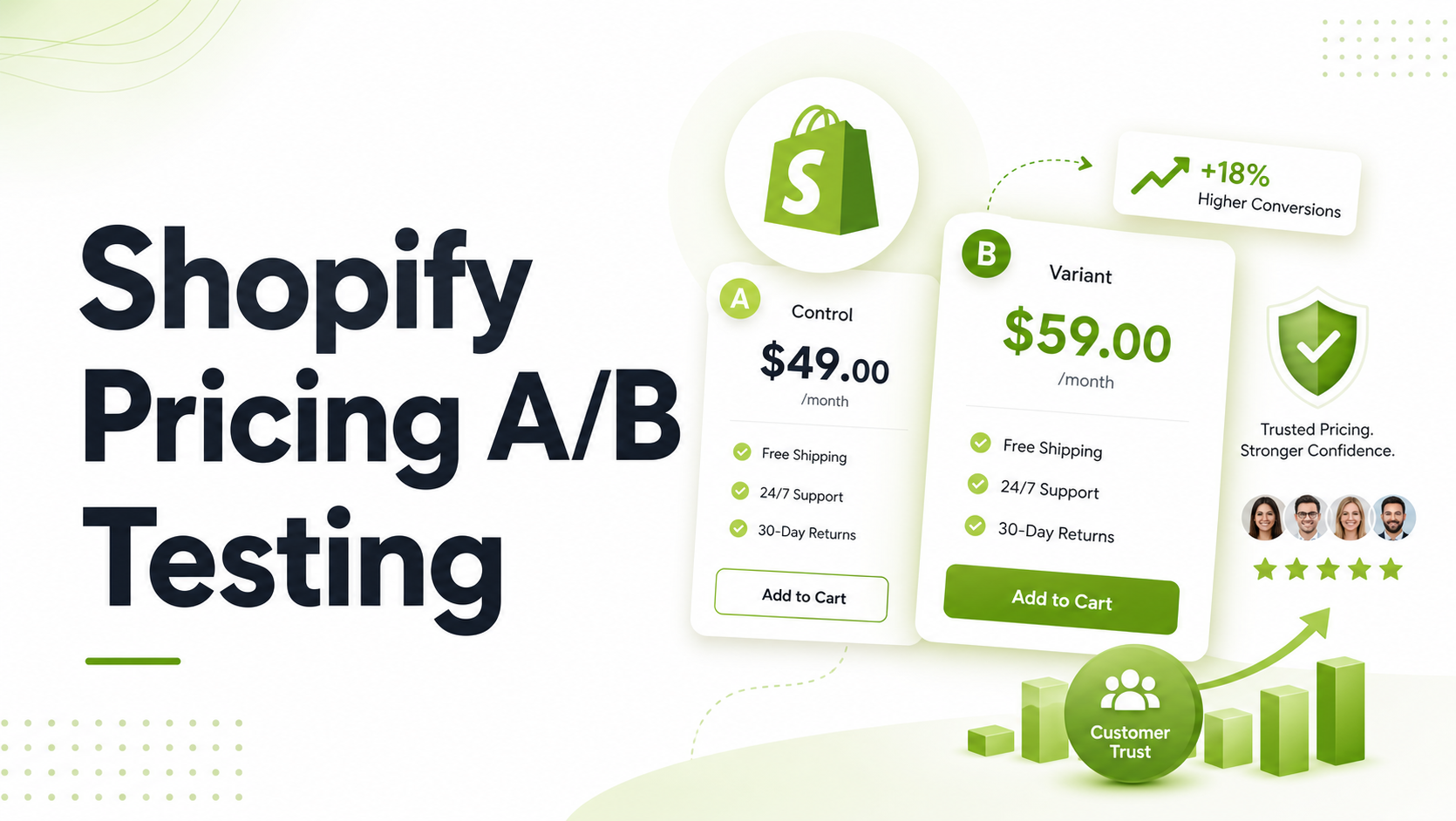
Altering your product prices is one of the fastest levers to change your bottom line. Yet, most ecommerce brands leave their pricing completely static. When asked why, the response from most store owners is almost always rooted in fear: “What if a customer notices their friend got a lower price?” or “What if someone refreshes the page and the price jumps by $5?”
These are valid worries. Inconsistent pricing kills customer trust instantly, and a damaged reputation is far harder to repair than a low conversion rate.
However, leaving money on the table because of execution anxiety is a growth bottleneck. You can execute Shopify price A/B testing safely, transparently, and without alienating your customer base. It requires moving away from crude, manual price-switching and moving toward systematic, deterministic experimentation.
Quick Answer: To safely run a Shopify price A/B test without damaging trust, you must use deterministic visitor assignment. This technical mechanism ensures that once a shopper sees a specific price variant, they see that exact same price across all repeat visits, carts, and checkout sequences.
Summary
- Main Takeaway: Price testing doesn’t damage trust if you use deterministic visitor assignment to guarantee price consistency across repeat visits.
- Target Audience: Growing DTC brands and Shopify store managers looking to maximize revenue per visitor (RPV).
- What You’ll Learn: How to handle price testing mechanics safely, avoid common legal or psychological pitfalls, and deploy tests natively in Shopify.
- Practical Outcome: A clear blueprint to discover your optimal price point without trigger-happy support tickets or cart drops.
Why Price Optimization Is Risky (And Why You Must Do It Anyway)
Every merchant wants to find the sweet spot where conversion rate and profit margins intersect perfectly to create maximum Revenue Per Visitor (RPV). Finding that point through guesswork is virtually impossible.
If you price your products too low, you trade healthy margins for raw transaction volume. If you price them too high, your cart abandonment rates spike. According to data layout and checkout optimization principles studied by organizations like the Baymard Institute, unexpected costs and price friction are leading causes of shopping cart abandonment.
When you test prices blindly, you open your store up to three major operational risks:
- The Cookie-Flipping Nightmare: A visitor browses your store on their phone, sees a jacket for $49, and then returns on their laptop to find it priced at $59. They feel manipulated and abandon the purchase.
- The Checkout Disconnect: The storefront displays a test price of $39, but because the backend collection data didn’t sync correctly, the cart or checkout page defaults back to the original $45 price.
- The Post-Purchase Backlash: A customer buys an item, logs back in two days later to track their shipping, and notices the price has dropped by 20%.
To fix these issues, you need to understand the structural differences between manual testing workflows and algorithmic, app-based testing frameworks.
Recommended Blogs for You:
👉 Shopify Rollouts vs Liftoff: When to Use Theme Swaps vs A/B Testing
👉 How to Set Up Shopify Shipping Rates, Packaging, and Fulfillment
👉 Shopify Bundle Pricing: When to Use Tiered vs Fixed Discounts
👉 The Ultimate Guide to How Top Companies Maximize Revenue
👉 Zigpoll vs Grapevine vs GP Post Purchase Survey: Which Is Best for Your Store?
The Technical Reality: Manual Testing vs. Native App Automation
Many technical merchants attempt to run price tests manually by using duplicate product listings, scheduled Shopify CSV updates, or custom JavaScript scripts that rewrite the frontend price text.
While manual setups preserve code control for internal developers, they carry severe operational risks for dynamic pricing.
| Evaluation Criteria | Manual Price Adjustments | Native App Testing (e.g., Liftoff) |
| Visitor Consistency | Extremely poor. Refreshing or switching devices breaks the experience. | Tracks exposure tokens so the visitor experience remains identical. |
| Checkout Stability | High risk of displaying one price on the product page and another in the checkout. | Updates the actual variant parameters dynamically via theme embeds. |
| Data Cleanliness | Requires manual spreadsheet logging and tracking analytics goals by hand. | Automatically correlates specific variant exposures to checkout conversions. |
| Reversion Risk | High. You must remember to manually change all prices back when the test concludes. | Built-in settings automatically revert the variant pricing when the test is closed. |
Step-by-Step: Setting Up a Trust-Safe Shopify Price Test
To execute a price experiment that protects your brand identity, follow this structured deployment sequence:
1. Establish Your Hypotheses and Guardrails
Do not test random numbers. Choose a core product with high enough traffic to yield clean data within a reasonable timeframe (typically at least one full business week). Define your baseline control price and your variant target. Limit your test to a maximum of two or three price variants to prevent thinning out your data pools.
2. Isolate Variant Assignments Deterministically
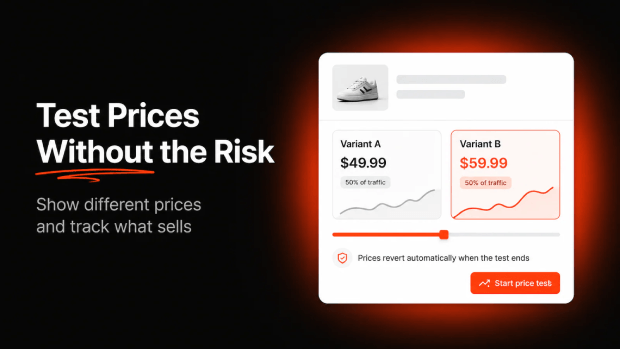
Ensure that your infrastructure uses deterministic visitor routing. If you use a specialized tool like the Liftoff A/B Testing app, this is handled natively via an Online Store 2.0 theme app embed. Once a shopper is assigned to “Variant A,” that price stays anchored to their session ID, matching across repeat storefront visits.
3. Verify the Core Checkout Sequence
Before pushing your test live, process a test transaction using your alternative price tier. Confirm that the test price carries safely from the Product Detail Page (PDP), into the slide-out cart drawer, past your customer privacy choices, and directly into the final Shopify checkout layout.
4. Monitor the Revenue Impact, Not Just Conversions
A lower price might increase your conversion rate while actually dropping your total profitability. Monitor your performance metrics cleanly. Look closely at overall revenue impact and revenue per visitor rather than prioritizing raw transaction counts.
Example Scenario:
- Control Price: $100 | Conversion Rate: 2.0% | Revenue per 100 visitors = $200
- Variant Price: $120 | Conversion Rate: 1.8% | Revenue per 100 visitors = $216vv
5. Conclude the Test and Allow Clean Reversion
Once your experiment collects a meaningful sample size, bring the test to a close. Your testing system should immediately trigger a clean price reversion, resetting your Shopify variants back to their original state without leaving trace data or broken pricing anomalies behind in your collection templates.
Crucial Guardrails for Ethical Price Optimization
To maintain long-term alignment with your audience, treat your optimization workflows with strict professionalism.
- Never Test Radically Extreme Variations: Testing a price shift from $30 to $35 is standard market research. Testing a shift from $30 to $90 within the same region risks severe brand alienation if users cross-reference deals.
- Keep Your Ad Messaging Aligned: If you are running active Meta or Google Ads featuring specific pricing callouts, avoid testing wild variations on the landing pages linked directly to those ads.
- Respect Local Regulations: Be mindful of regional consumer protection laws regarding pricing transparency, particularly across international storefront configurations like Shopify Markets.
Streamlining Your Strategy via Specialized Tooling
For growing brands that cannot afford to risk manual configuration errors or theme code bloat, utilizing a purpose-built experimentation framework inside Shopify is the standard path forward.
Using an app like Liftoff ‑ A/B Test & CRO allows you to configure variant pricing models smoothly. Because the app works directly via Shopify theme app embeds, it manages the underlying visitor assignments in the background without slowing down your initial page loading speeds or blocking critical rendering pathways.

By leveraging dedicated workflows that handle automatic winner selection and automated price reversion, your team can keep its energy focused on analyzing margin opportunities instead of constantly fixing broken code fragments across your product templates.
Freequently Asked Questions
How long should a Shopify price A/B test run?
A price test should generally run for at least a full business week to capture varied shopping habits across weekends and weekdays. Avoid ending tests too early based on minor early data drops; allow enough time to gather a clear, distinct sample size.
Will price testing break my Shopify Google Channel or Facebook feeds?
If you use manual pricing duplicates, yes, it can mess up your marketing feeds. However, using a native app framework like Liftoff modifies variant data dynamically at the user level, which helps prevent search crawlers or product feeds from getting confused by temporary test pricing.
What happens to active price tests if a user clears their browser cookies?
If a user clears their browser storage entirely, they will reset their visitor token and may be re-allocated to a different pricing tier upon their next visit. Using clear, reasonable testing bounds ensures that even if this rare event occurs, the variance is not dramatic enough to spark customer frustration.