
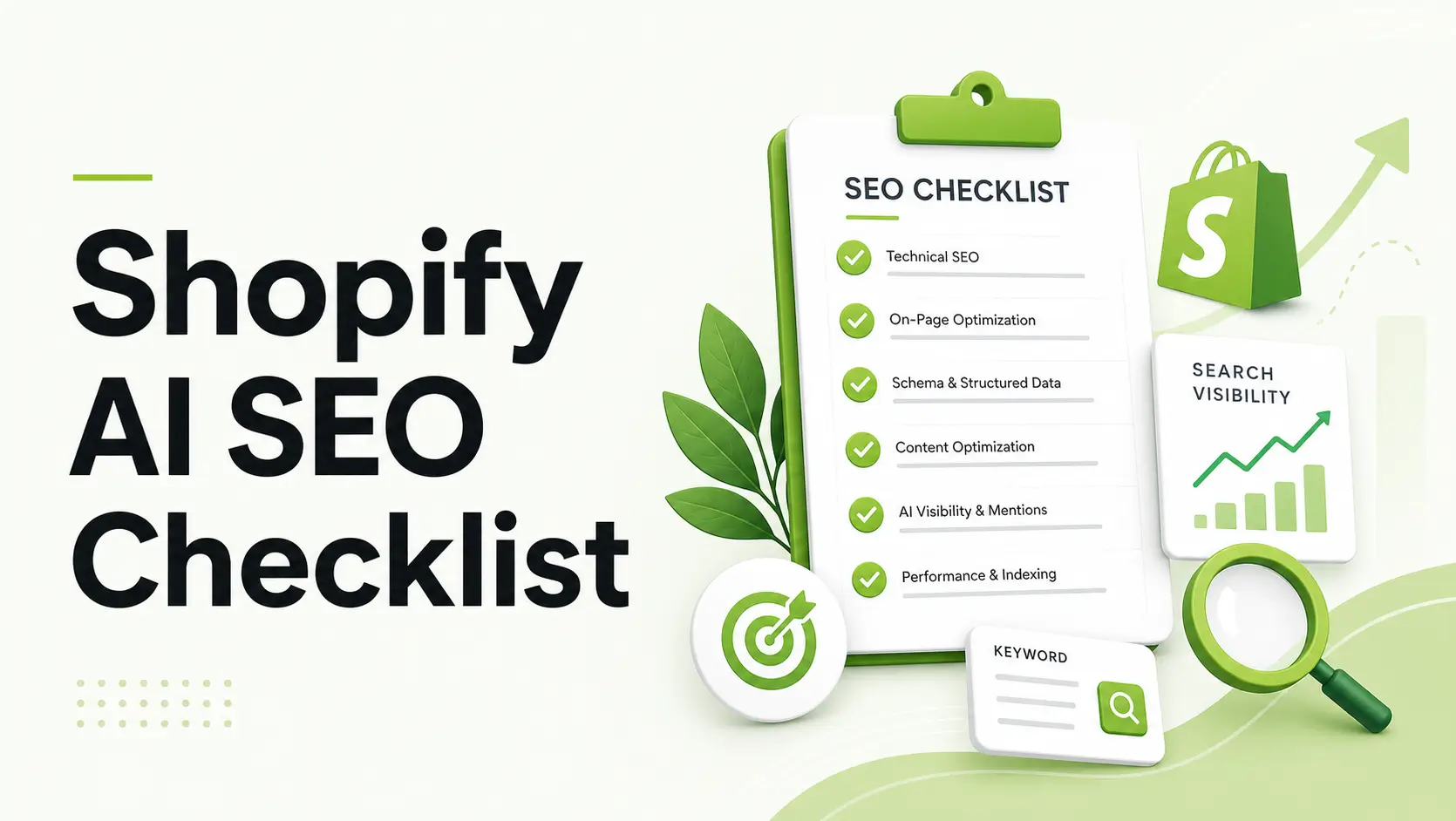
If you’ve noticed your Shopify store’s organic traffic shifting lately, you aren’t alone. Google’s AI Overviews (formerly SGE) and “Answer Engines” like Perplexity and ChatGPT Search are fundamentally changing how customers find products.
In this new landscape, ranking #1 is no longer the only goal. Now, you need to be the source that the AI cites when it answers a customer’s question. This shift from traditional SEO to Generative Engine Optimization (GEO) requires a different technical playbook.
This guide provides a 7-step checklist specifically for Shopify merchants to ensure their stores are AI-ready.
What is Generative Engine Optimization (GEO) for Shopify?
GEO is the process of optimizing your Shopify store’s technical data and content formatting so AI models (like Google Gemini or ChatGPT) can easily extract, verify, and cite your products as authoritative answers in AI-generated search results.
Summary
- The Goal: Move beyond traditional “blue link” SEO to Generative Engine Optimization (GEO).
- Who it’s for: Shopify merchants seeing a dip in organic traffic who want to capture citations in Google AI Overviews, ChatGPT, and Perplexity.
- Key Learnings: How to fix broken schema, implement the new llms.txt standard on Shopify, and format content for AI extraction.
- Outcome: A technically sound store that AI models can confidently “read” and recommend to users.
1. Audit and Enhance Your JSON-LD Schema
AI models don’t “browse” your store like a human; they consume your data layer. While most Shopify themes include basic schema, they are often “thin”—missing crucial details like variant-specific pricing, stock levels, or aggregate review data.
To be cited by AI search, your JSON-LD must be flawless. AI engines use this structured data to verify that your product is a real match for the user’s query.
- The Action: Use the Google Rich Results Test on your top product pages.
- The Fix: If you see “Warnings” or “Errors” related to priceValidUntil, sku, or aggregateRating, you need to repair your schema. Many merchants find that Shopify’s default theme schema is too rigid to handle complex product variants accurately.
2. Implement an llms.txt File
A new standard called llms.txt is emerging. Think of it as robots.txt but specifically for Large Language Models. It’s a markdown file that provides a concise summary of your store and links to help AI crawlers find your most important pages quickly.
The Shopify Workaround:
Since Shopify doesn’t allow you to simply upload a .txt file to your root directory (e.g., yourstore.com/llms.txt), you must use a workaround:
- Create a new Page in Shopify called “LLMs.”
- Add your markdown-formatted summary.
- Use Shopify’s URL Redirects to point /llms.txt to that new page.
3. Use the “Evidence Sandwich” for Product Descriptions
Generative engines prioritize “fact-density.” If your product descriptions are purely fluff (“The best sneakers in the world!”), AI models are less likely to cite them as authoritative.
Instead, use the Evidence Sandwich framework:
- The Claim: Define what the product does.
- The Evidence: Provide a specific specification or data point (e.g., “GOTS Certified Organic Cotton” or “Waterproof up to 50 meters”).
- The Context: Explain the specific benefit to the user.
4. Optimize for “Conversational” Long-Tail Keywords
People talk to AI differently than they talk to Google. Instead of “waterproof hiking boots,” they ask, “What are the best waterproof hiking boots for wide feet in rainy weather?”
Your Shopify blog and product FAQs should address these conversational queries. Use tools like People Also Ask to find the exact phrasing customers use and answer them directly in your copy.
5. Structure FAQ Sections for Extraction
AI Overviews frequently pull answers directly from FAQ sections. To make your FAQs “extractable,” ensure each question is an H3 heading and the answer is a self-contained paragraph immediately following it. Avoid starting answers with “Yes,” or “No, because…”—start with a full sentence that restates the context.
6. Verify Your Entity in Google Knowledge Graph
AI models rely on “Entities” (your brand) more than “Keywords.” Ensure your Organization schema is fully filled out in your Shopify admin or via a schema app. This should include your social profiles, official brand name, and logo. This helps AI connect your store to the broader web of information about your niche.
7. Manage AI Bot Access in robots.liquid
You need to decide if you want AI bots to crawl your store. While most SEO-focused merchants should allow access, you should verify your robots.txt.liquid file isn’t accidentally blocking agents like GPTBot or CCBot.
Recommended Blogs for You:
👉 The Ultimate Guide to Artificial Engine Optimization (AEO) for Shopify
👉 Practical Shopify Sitemap Tuning: Prioritizing High-Value URLs
👉 Solving Shopify Multi-Platform Attribution (Without Losing Your Mind)
Manual Setup vs. App-Based GEO
Optimizing for AI requires constant technical maintenance. Here is how the two approaches compare for a typical Shopify store:
| Feature | Manual Setup (Code) | App-Based (e.g., GroPulse) |
| JSON-LD Schema | Requires editing Liquid; prone to breaking. | Automated, error-free injection. |
| Product Variants | Often fails to update schema on-click. | Dynamic updates for all variants. |
| Technical Validation | Manual testing for every page. | Bulk diagnostic dashboard. |
| Maintenance | High; code must change with theme updates. | Low; “Set and forget” with auto-updates. |
When to Consider a Technical SEO App
Many Shopify merchants reach a point where manual Liquid edits become too risky. If you have a large catalog or a theme that is frequently updated, using a dedicated tool like the GP JSON-LD Schema & AI SEO app can ensure your data remains structured correctly without manual intervention.
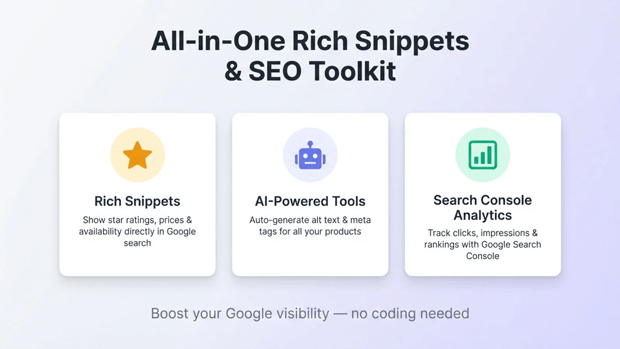
It allows you to manage rich snippets and AI crawler access directly from your Shopify admin, reducing the risk of schema errors that could exclude you from AI search results.
Freequently Asked Questions
How do I know if my Shopify store is appearing in AI search?
The best way is to perform manual queries in ChatGPT (with search enabled), Perplexity, and Google Gemini. Ask specific questions about your product niche and see if your store is cited in the footnotes or the “Sources” section.
Does Shopify’s default SEO handle Generative AI?
Shopify provides a strong foundation, but it does not automatically generate the advanced structured data (like FAQPage or Review aggregate schema) or the conversational content structures that AI models prefer for citations.
What is the most important factor for Google AI Overviews?
While Google uses many factors, high-quality structured data (JSON-LD) and informational content that directly answers a specific user intent are currently the most significant technical requirements for appearing in AI Overviews.
Final Recap: Your AI Readiness Plan
Transitioning to GEO isn’t about gaming a system; it’s about making your store’s data as transparent and high-quality as possible.
- Fix your data layer first (Schema is the “language” of AI).
- Help the bots find you (Use llms.txt and check robots.txt).
- Write for humans, format for AI (Use the Evidence Sandwich and Q&A blocks).




