
Upsell offers strategically suggest additional products to customers, helping you increase average order value. This guide shows you how to create effective upsell campaigns that boost revenue without being pushy.
What is Upselling?
Upselling is the practice of encouraging customers to purchase additional or upgraded products. Effective upselling:
- Increases average order value (AOV)
- Introduces customers to complementary products
- Enhances customer satisfaction when done right
- Drives repeat purchases
Accessing Upsell Offers
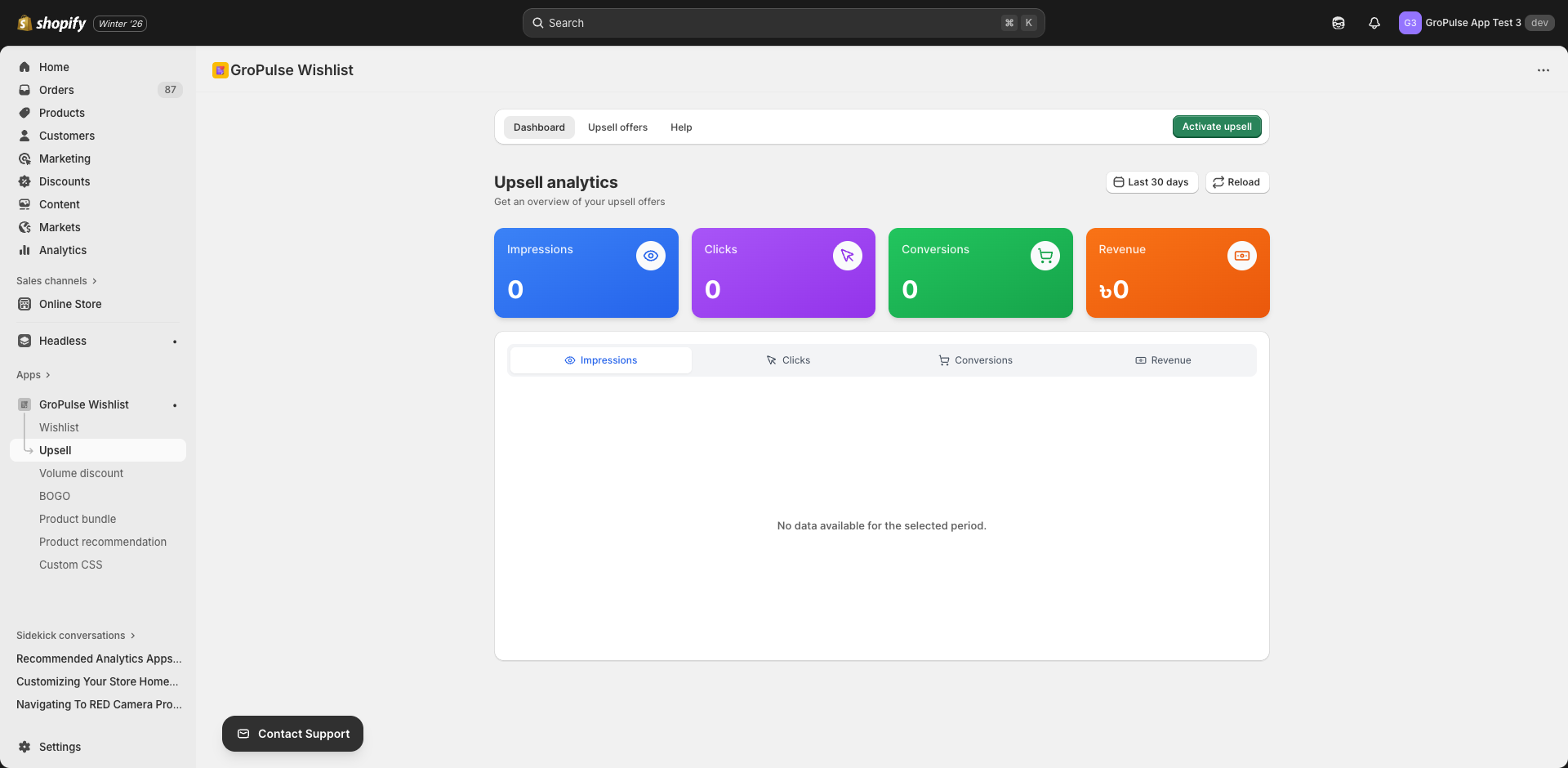
- Navigate to Upsell in the main menu
- You’ll see three tabs:
- Dashboard — Analytics for your upsell offers
- Offers — Create and manage upsell campaigns
- Help — Documentation and tutorials
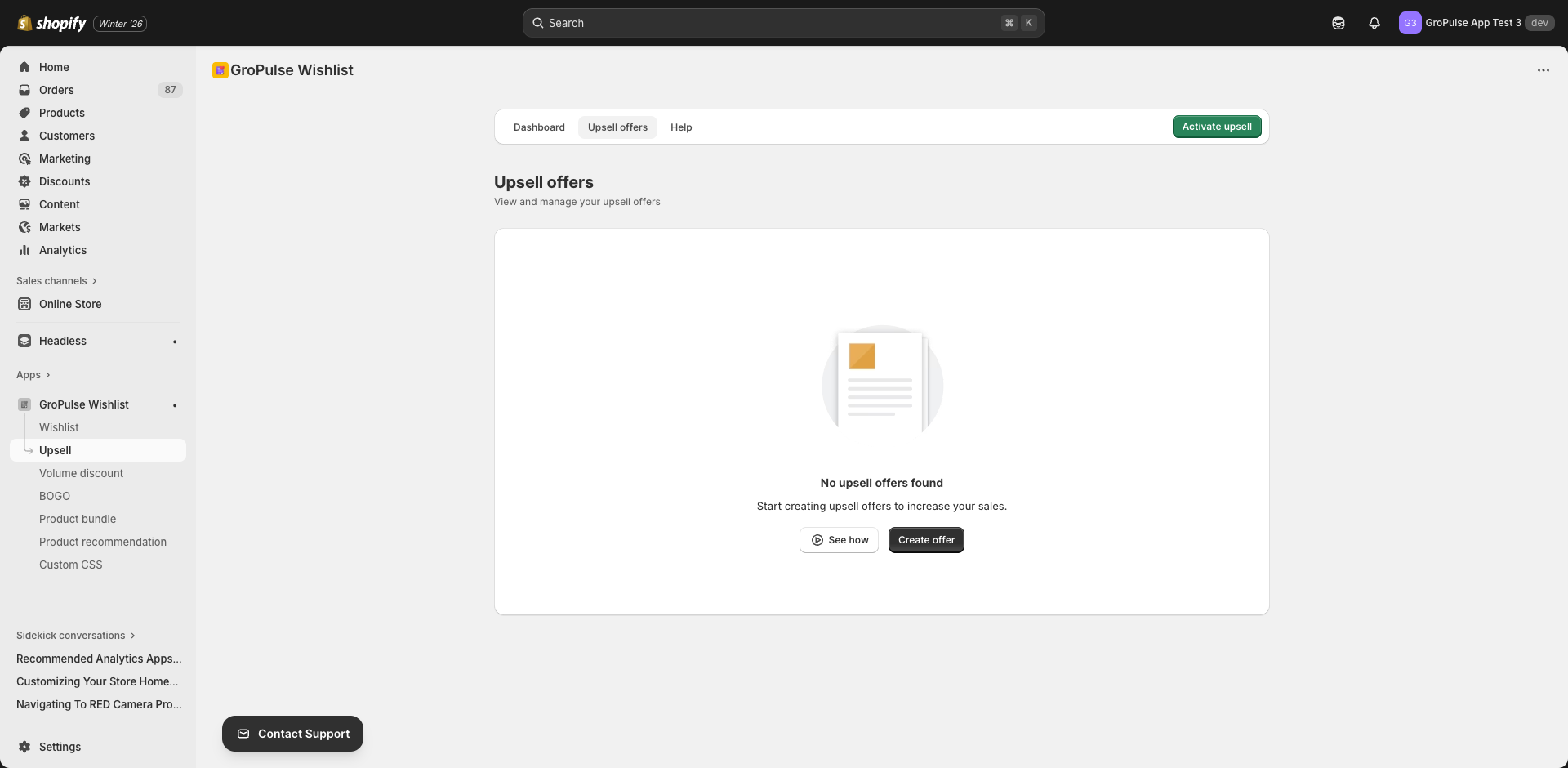
Creating an Upsell Offer
- Go to the Offers tab
- Click Create Offer
- Configure settings across the tabs
Settings Tabs
| Tab | Purpose |
|---|---|
| General | Basic offer information |
| Offer | Product selection and discounts |
| Placement | Where the offer appears |
| Schedule | Start and end dates |
| Design | Visual customization |
General Settings
Configure basic upsell information:
| Setting | Description | Example |
|---|---|---|
| Offer Title | Internal name for reference | “Summer Accessories Upsell” |
| Customer-Facing Title | Title customers see | “Complete Your Look” |
| Customer-Facing Subtitle | Descriptive text | “Customers also bought these items” |
| Add to Cart Button Text | CTA button text | “Add to Cart” |
Offer Configuration
Upsell Products
Select which products to recommend as upsells:
- Click Select Products
- Search and choose products from your catalog
- Selected products will appear in the upsell widget
Tip: Choose products that complement the main product — accessories, add-ons, or upgrades work best.
Discount Selection
Optionally offer a discount on upsell products:
Discount Type
| Type | Description |
|---|---|
| No Discount | Show products at regular price |
| Percentage | X% off upsell items |
| Fixed Amount | $X off upsell items |
Discount Value
When using percentage or fixed amount, enter the discount value.
Display Rules
Control which products trigger the upsell:
Product Selection Type
| Option | Description |
|---|---|
| All Products | Show upsell on all product pages |
| Specific Products | Show only on selected products |
| Specific Collections | Show on products in selected collections |
Exclusions
When using “All Products,” you can exclude specific products that shouldn’t show the upsell.
Placement Settings
Choose where upsell offers appear:
| Location | Description |
|---|---|
| Product Page | Below or beside the main product |
| Cart Page | In the shopping cart |
| Cart Drawer | In the slide-out cart |
Position Options
Select the specific position within each location for optimal visibility.
Schedule Settings
Control when your upsell is active:
| Setting | Description |
|---|---|
| Start Date | When the offer becomes active |
| End Date | When the offer ends (optional) |
Leave end date blank for always-on upsells.
Design Settings
Customize the visual appearance:
Color Options
| Setting | Purpose |
|---|---|
| Background Color | Widget background |
| Title Color | Heading text color |
| Subtitle Color | Description text color |
| Product Title Color | Product name color |
| Price Color | Regular price color |
| Sale Price Color | Discounted price color |
| Button Background Color | CTA button fill |
| Button Text Color | CTA button text |
| Border Color | Widget border |
Layout Options
| Option | Description |
|---|---|
| Grid | Products in a grid layout |
| Carousel | Scrollable product carousel |
| List | Vertical product list |
Best Practices
Product Selection
| Strategy | When to Use |
|---|---|
| Accessories | Main product needs add-ons (phone + case) |
| Upgrades | Higher-tier version available |
| Complementary | Products used together (shirt + pants) |
| Consumables | Refills or supplies needed |
Pricing Strategy
| Approach | Description |
|---|---|
| No discount | For high-value complementary items |
| Small discount (5-10%) | Gentle incentive |
| Bigger discount (15-25%) | Strong conversion driver |
| Bundle pricing | Combined savings messaging |
Placement Strategy
| Location | Best For |
|---|---|
| Product page | Discovery and exploration |
| Cart page | Last-minute additions |
| Cart drawer | Quick add without leaving page |
Messaging Tips
- Be helpful, not pushy — “Complete your order” vs “Buy more”
- Show relevance — “Pairs well with…” or “Customers also bought”
- Highlight value — Show savings or benefits
- Limit choices — 3-4 products maximum to avoid overwhelm
Managing Offers
Offer List
View all upsell offers with:
- Offer name and status
- Product count
- Creation date
- Quick actions (edit, toggle, delete)
Performance Monitoring
Track in the Dashboard:
- Impressions (times shown)
- Click-through rate
- Conversion rate
- Revenue generated
A/B Testing
Create variations to test:
- Different product selections
- Various discount levels
- Alternative messaging
- Different placements
Analytics
Monitor upsell performance in the Dashboard:
| Metric | Description |
|---|---|
| Revenue | Total sales from upsells |
| Conversion Rate | % of viewers who purchased |
| Click Rate | % who clicked upsell products |
| Average Order Impact | AOV increase from upsells |
Troubleshooting
Upsell Not Showing
- Verify offer is active
- Check placement settings
- Confirm trigger products are correct
- Ensure theme extension is enabled
Low Conversion
- Review product relevance
- Consider adding a discount
- Test different messaging
- Try different placements
Products Not Loading
- Verify products are published
- Check products aren’t archived
- Confirm variants are in stock
Examples
Electronics Store
Trigger: Smartphone purchase
Upsell Products: Phone case, screen protector, wireless charger
Discount: 15% off accessories
Fashion Store
Trigger: Dress purchase
Upsell Products: Matching shoes, jewelry, handbag
Discount: No discount (complementary items)
Beauty Store
Trigger: Skincare serum purchase
Upsell Products: Moisturizer, cleanser, sunscreen
Discount: 10% when buying the set
What’s Next?
Continue building your promotional strategy:
- Product Bundles — Sell products as a package
- Product Recommendations — Curated suggestion widgets
- BOGO Offers — Buy X Get Y promotions
Strategic upselling increases revenue while helping customers discover products they’ll love.