
Personalized recommendations take product suggestions to the next level by creating specific product-to-product relationships. This guide shows you how to set up custom recommendation rules that show the perfect products for each item in your store.
What are Personalized Recommendations?
Unlike general product recommendations that show the same products everywhere, personalized recommendations let you define exactly which products should be recommended when a customer views a specific product.
Example:
- When viewing Blue Running Shoes, recommend: Running Socks, Sports Water Bottle, Fitness Tracker
- When viewing Laptop, recommend: Laptop Bag, Wireless Mouse, USB-C Hub
This level of control ensures highly relevant suggestions for every product.
Accessing Personalized Recommendations
- Navigate to Product Recommendation in the main menu
- Click the Personalized tab
- You’ll see your list of personalized recommendation rules
Creating a Personalized Recommendation
Step 1: Select a Source Product
The source product is the product that triggers the recommendation.
- Click Create Recommendation
- Click Select source product
- Search and select a product from your catalog
- The selected product appears with its image and details
Source Product: The product page where recommendations will be shown.
Step 2: Add Recommended Products
Choose which products to recommend when customers view the source product.
- Click Add Products
- Search and select multiple products
- Products are added to the recommendation list
- Drag and drop to reorder by priority
Step 3: Arrange Priority
The order of products determines display priority:
- First position: Most prominent placement
- Lower positions: Shown if space allows
Drag the handle icon to reorder products.
Step 4: Save
Click Save Recommendations to create the rule.
Managing Personalized Recommendations
Recommendation List
View all personalized recommendations with:
| Column | Description |
|---|---|
| Source Product | Product that triggers recommendations |
| Recommended Products | Number of products recommended |
| Status | Active or Inactive |
| Actions | Edit, Delete, Toggle |
Editing Recommendations
- Click on a recommendation
- Modify source product or recommended products
- Reorder products as needed
- Save changes
Enabling/Disabling
Toggle the status switch to quickly enable or disable rules.
Deleting
Click the delete icon and confirm to remove a recommendation rule.
Best Practices
Product Pairing Strategy
| Source Product Type | Recommend |
|---|---|
| Main product | Accessories, add-ons |
| Starter item | Upgrade options |
| Consumable | Refills, bundles |
| High-margin | Complementary high-margin items |
Recommendation Examples by Industry
Fashion
| Source Product | Recommended Products |
|---|---|
| Dress | Matching shoes, jewelry, handbag |
| Jeans | Belt, t-shirts, sneakers |
| Suit jacket | Dress shirt, tie, cufflinks |
Electronics
| Source Product | Recommended Products |
|---|---|
| Smartphone | Case, screen protector, charger |
| Laptop | Bag, mouse, keyboard |
| Camera | Memory card, tripod, lens |
Beauty
| Source Product | Recommended Products |
|---|---|
| Face serum | Moisturizer, cleanser, sunscreen |
| Shampoo | Conditioner, hair mask, styling product |
| Foundation | Primer, setting spray, brushes |
Home & Kitchen
| Source Product | Recommended Products |
|---|---|
| Coffee maker | Coffee beans, filters, mug set |
| Blender | Recipe book, extra cups, cleaning brush |
| Bedding set | Pillows, mattress protector, throw blanket |
Number of Recommendations
| Count | Use Case |
|---|---|
| 2-3 products | Focused, high-relevance suggestions |
| 4-6 products | Standard recommendation set |
| 7-10 products | Comprehensive options |
Tip: Start with 3-4 highly relevant products rather than many loosely related ones.
Priority Order
Place products in this order:
- Most complementary — Products that complete the purchase
- Best sellers — Popular items with high conversion
- High margin — Products that boost profitability
- Discovery items — New or lesser-known products
Scaling Your Recommendations
Start Small
Begin with your top 10-20 products:
- Identify your bestsellers
- Create recommendations for each
- Monitor performance
- Expand to more products
Bulk Strategy
For larger catalogs:
- Group by category — Same recommendations for similar products
- Use collections — Apply collection-based general recommendations
- Focus on high-traffic — Prioritize products with most views
- Seasonal updates — Rotate recommendations seasonally
Maintenance
| Frequency | Task |
|---|---|
| Weekly | Review performance metrics |
| Monthly | Update underperforming recommendations |
| Quarterly | Add recommendations for new products |
| Seasonally | Refresh for seasonal relevance |
Combining with General Recommendations
Use both types together:
| Type | Use For |
|---|---|
| Personalized | High-traffic products, strategic pairings |
| General | Fallback for products without personalized rules |
When a personalized recommendation exists, it takes priority over general recommendations for that product.
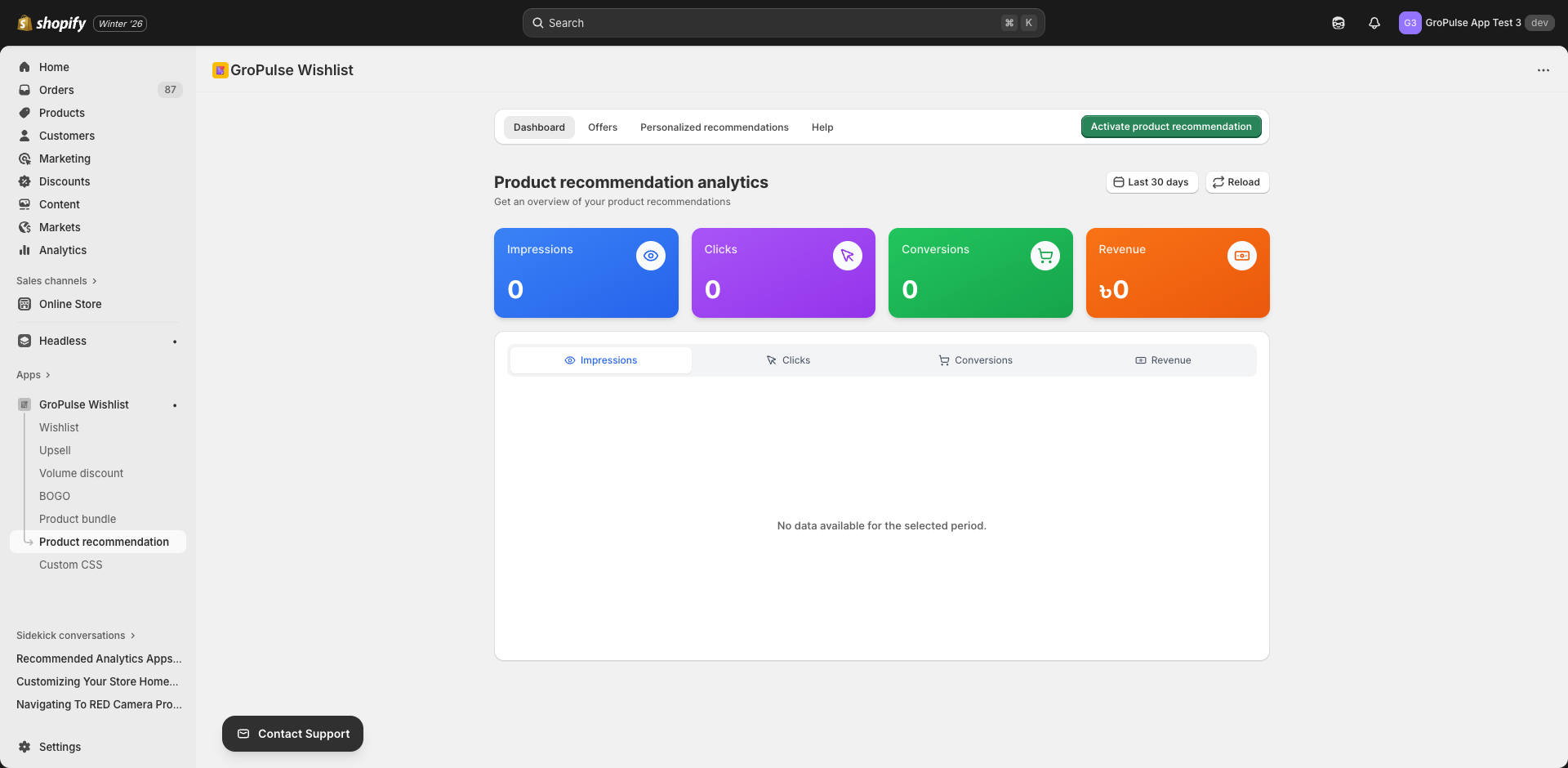
Analytics
Track personalized recommendation performance:
| Metric | Description |
|---|---|
| Impressions | Times shown |
| Click Rate | % that clicked a recommendation |
| Conversion Rate | % that purchased |
| Revenue | Sales generated |
| Top Performing | Best source/recommendation pairs |
Optimization Tips
- Low click rate? — Try different product pairings
- Low conversion? — Products may not be compelling enough
- High clicks, low conversion? — Price or relevance issue
- No impressions? — Check source product traffic
Troubleshooting
Recommendations Not Showing
- Verify rule is active
- Check source product is correct
- Confirm recommended products are published
- Ensure theme extension is enabled
Wrong Products Appearing
- Review the specific recommendation rule
- Check for conflicting general recommendations
- Verify product IDs are correct
Products Out of Stock
Recommendations automatically hide out-of-stock products. Restock inventory to show them again.
Examples
Skincare Brand
Source: Anti-Aging Serum ($65)
Personalized Recommendations:
- Vitamin C Moisturizer ($45) — Complementary step
- Eye Cream ($38) — Complete routine
- Night Cream ($52) — Evening routine
- SPF 50 Sunscreen ($28) — Essential pairing
Why it works: Creates a complete skincare routine, encouraging larger purchases.
Tech Store
Source: MacBook Pro
Personalized Recommendations:
- USB-C Hub ($49) — Essential accessory
- Laptop Stand ($89) — Ergonomic pairing
- Wireless Mouse ($79) — Common add-on
- Laptop Sleeve ($45) — Protection need
Why it works: Addresses common needs for laptop buyers.
Pet Store
Source: Dog Bed (Large)
Personalized Recommendations:
- Dog Blanket ($25) — Comfort add-on
- Chew Toy Set ($18) — Complementary
- Dog Treats ($12) — Quick add
- Bed Cover ($35) — Practical accessory
Why it works: Bundles comfort items for pet owners.
What’s Next?
Complete your product discovery strategy:
- Product Recommendations — General recommendation widgets
- Product Bundles — Sell products together
- Upsell Offers — Strategic upselling
Personalized recommendations create tailored shopping experiences that feel curated just for each customer.